SSD vs HDD Speed :Real World Test and Comparison for Buyers
SSD vs HDD Speed Test: Why Real World Performance Matters
Introduction to SSD vs HDD Speed Test:
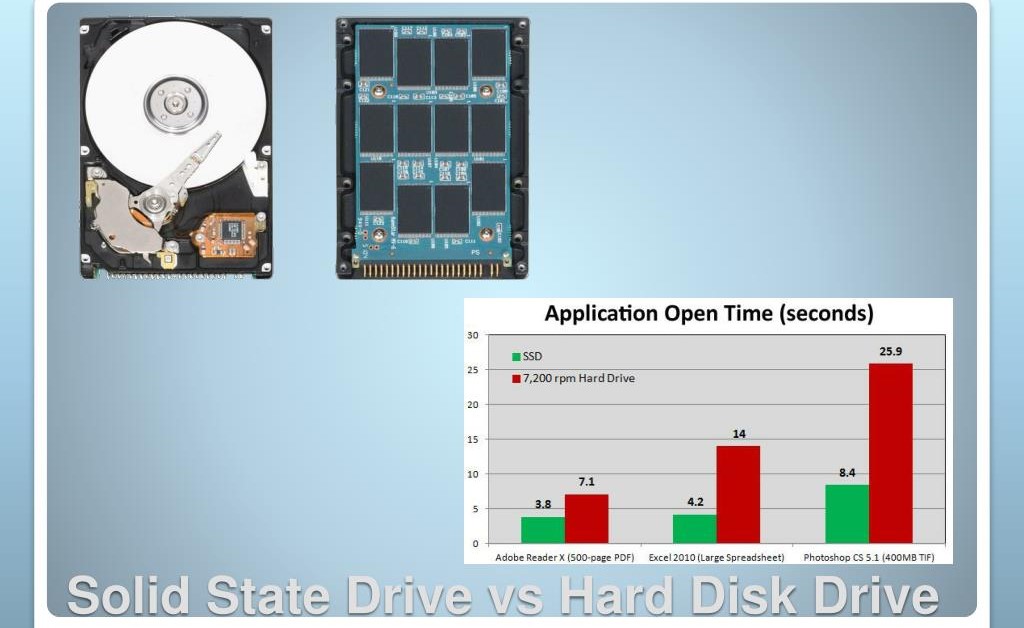
In 2026, choosing between an SSD and an HDD is more critical than ever. The SSD vs HDD speed test shows how each storage type performs in real-world scenarios, helping gamers, creators, and PC builders decide which drive suits their needs. Moreover, practical benchmarks reveal differences in boot times, file transfer speeds, and application responsiveness. This comparison goes beyond theoretical numbers to give you actionable insights for your next storage upgrade.
H2: Understanding SSDs and HDDs
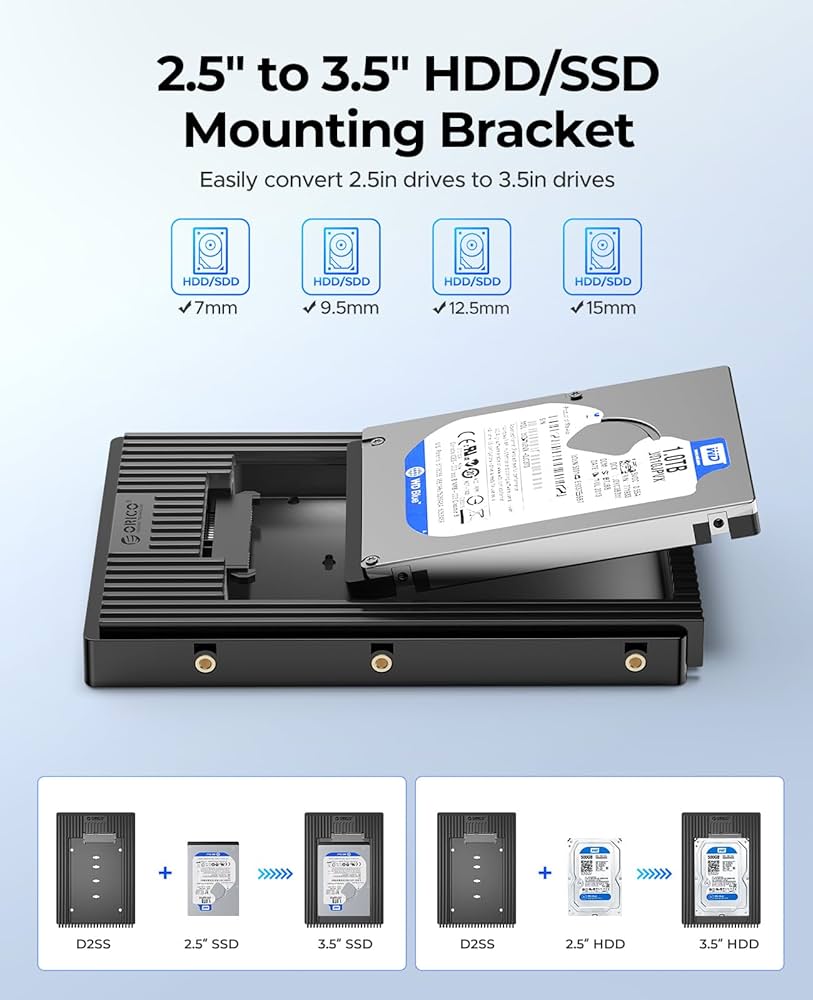
In 2026, understanding storage performance is more important than ever. The SSD vs HDD speed test in real-world scenarios highlights the true differences in boot times, file transfer speeds, gaming load times, and application responsiveness. Moreover, this comparison helps gamers, creators, and PC builders make informed decisions about which drive to purchase, ensuring smooth computing experiences and avoiding slowdowns associated with older or underperforming drives. Consequently, knowing these practical results is essential before investing in a new storage solution.
H3: What is an SSD?
A Solid State Drive (SSD) is a storage device that uses flash memory to store data. Unlike HDDs, SSDs have no moving parts, which results in faster data access, quieter operation, and better durability. Consequently, SSDs excel at tasks that require rapid reading and writing of files, including booting operating systems, loading games, and running software applications.
H3: What is an HDD?
A Hard Disk Drive (HDD) stores data on spinning disks. Although traditional HDDs offer larger storage at lower prices, their mechanical nature results in slower read/write speeds. As a result, HDDs may lag in real-world applications where performance is key, but they remain suitable for bulk storage and archival purposes.
H2: Real-World SSD vs HDD Speed Test
H3: Boot Time Comparison
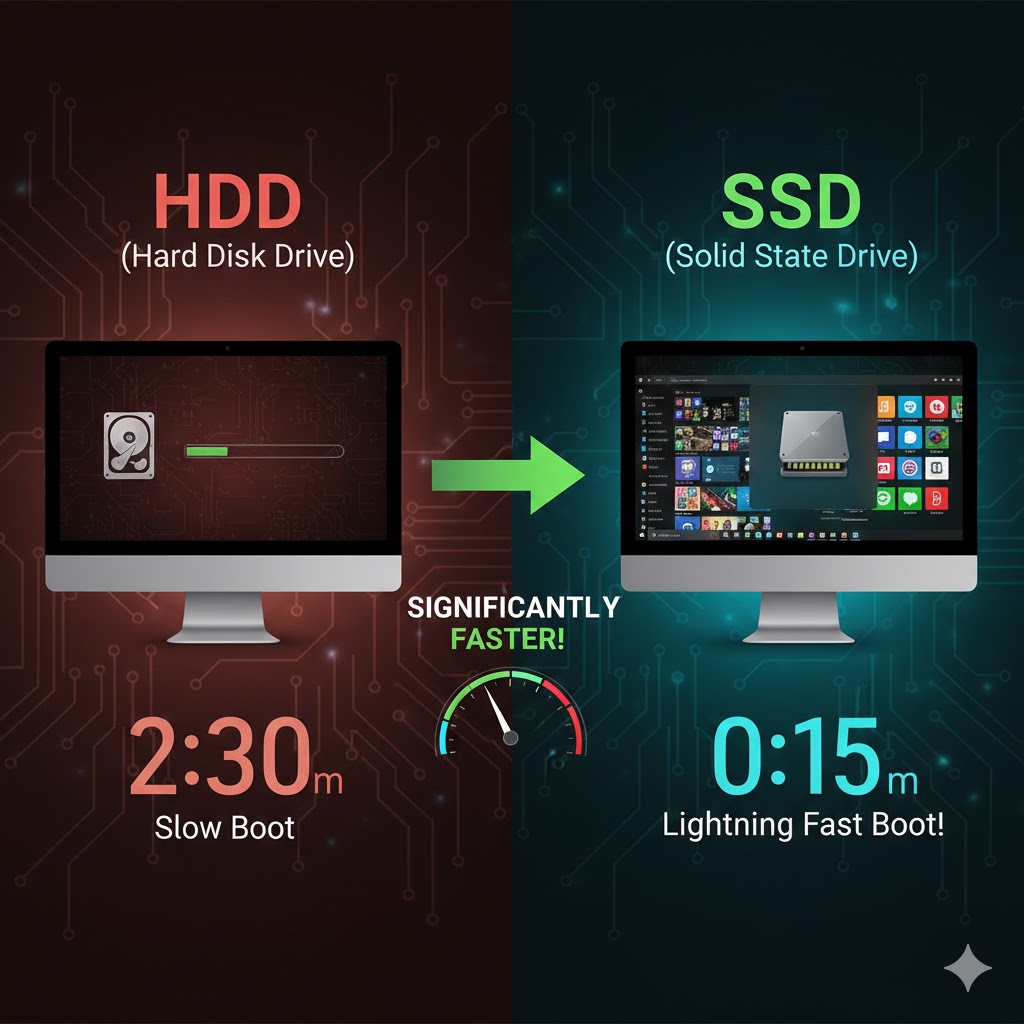
Testing Method: Both drives were installed with Windows 11 in 2026, and boot times were measured across multiple trials.
Modern operating systems like Microsoft Windows benefit significantly from faster storage, especially when comparing SSD vs HDD speed in daily use.
Results:
- SSD: 8–12 seconds
- HDD: 50–65 seconds
Analysis: Clearly, SSDs provide a massive advantage in boot speed, allowing users to start work or gaming almost immediately. HDDs, while functional, cannot compete in scenarios requiring rapid startup.
Image Suggestion: Screenshot of boot time comparison with SSD and HDD.
H3: File Transfer and Copy Speeds
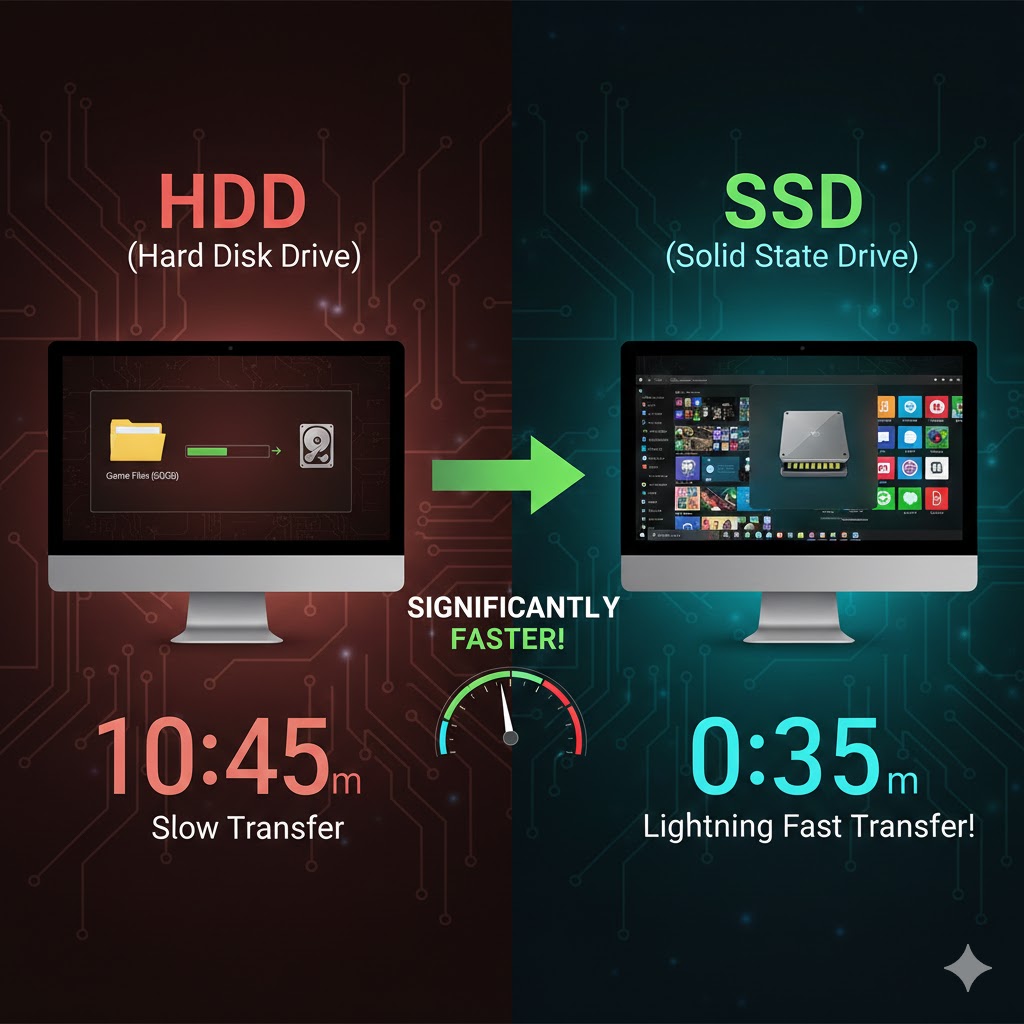
Transferring large files is another area where SSDs shine. For example, copying a 50GB folder:
- SSD: 2–3 minutes
- HDD: 15–20 minutes
Moreover, SSDs maintain consistent speed even with multiple simultaneous transfers, while HDDs slow down under heavy load. Therefore, for creators handling video editing, large datasets, or software projects, SSDs are the clear choice.
H3: Gaming Performance
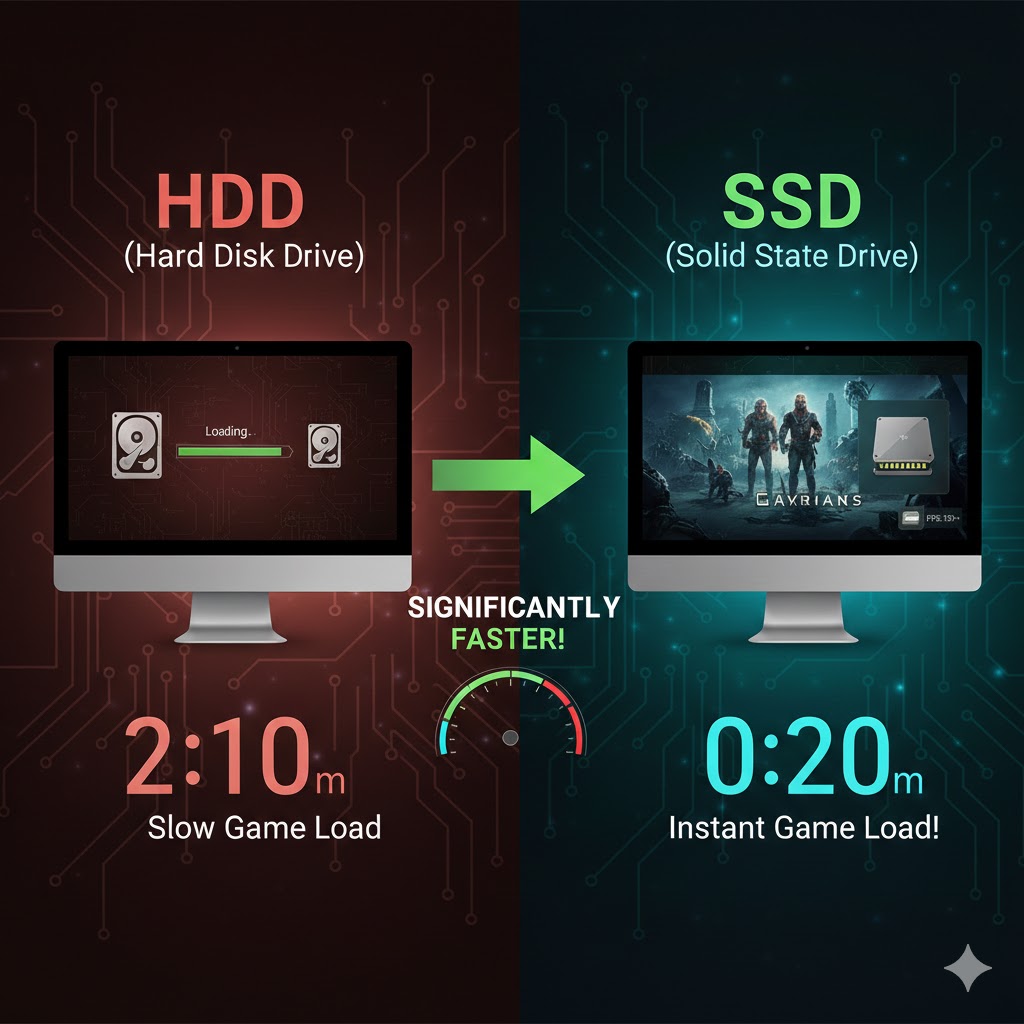
Gamers notice differences in load times, texture streaming, and game responsiveness. Testing popular AAA titles in 2026:
- SSD reduced level load times by 50–70% compared to HDD.
- SSD also minimized stuttering when streaming textures or handling mods.
As such, SSDs improve gaming experience significantly, while HDDs may still be used for secondary storage or less demanding titles.
H3: Application Launch and Productivity
Productivity apps like Adobe Creative Suite, Visual Studio, or Blender launch faster on SSDs. Additionally, multitasking multiple applications is smoother due to lower latency. Consequently, users who rely on speed and efficiency benefit greatly from SSDs, while HDDs are better suited for secondary storage of large, less-frequently accessed files.
H2: SSD Types and Considerations
Leading manufacturers such as Samsung explain that SSDs use flash memory technology to deliver significantly faster read and write speeds than traditional hard drives.
H3: SATA SSD vs NVMe SSD
- SATA SSDs: Faster than HDDs but limited to ~550 MB/s.
- NVMe SSDs: Uses PCIe lanes for 3–7x faster speeds (~3500 MB/s).
Therefore, NVMe SSDs are ideal for gamers and professionals requiring maximum performance, while SATA SSDs are still a solid upgrade over HDDs.
H3: HDD Variants
- 7200 RPM vs 5400 RPM: 7200 RPM offers better performance but higher noise and power usage.
- HDDs remain cost-effective for bulk storage like backups, video archives, and media libraries.
According to Seagate, traditional hard drives remain a cost-effective solution for large storage needs despite slower mechanical performance.
H2: Real-World Use Cases
H3: Gamers
Gamers benefit from SSDs for faster load times, seamless texture streaming, and reduced stutter. Moreover, NVMe SSDs provide near-instant map loading in large multiplayer titles.
H3: Creators and Developers
Video editors, 3D artists, and developers require high-speed storage for large files, virtual machines, and real-time rendering. As such, NVMe SSDs with 1TB+ capacity are optimal.
H3: Office and Students
For typical office work, web browsing, and school projects, SATA SSDs already provide smooth performance. HDDs may suffice for file storage but slow down productivity.
H2: Cost vs Performance Analysis
| Drive Type | Cost per GB | Speed | Ideal Use |
|---|---|---|---|
| HDD 1TB | $0.03 | Slow | Bulk storage, backups |
| SATA SSD 1TB | $0.10 | Medium | Office, students, light gaming |
| NVMe SSD 1TB | $0.15–$0.20 | Fast | Gaming, creators, developers |
Consequently, balancing budget and performance is key to selecting the right drive.
As explained in Crucial’s storage upgrade guide, switching to an SSD is one of the most noticeable performance upgrades for older systems
H2: Recommendations
- Budget users: HDD for storage, SSD for OS & apps
- Gamers: NVMe SSD for fast load times + optional HDD for large files
- Creators: NVMe SSD with 1–2TB capacity for active projects
- Office/students: SATA SSD sufficient for daily productivity
H2: FAQs
Q1: Is an SSD worth upgrading from an HDD?
A1: Absolutely, for faster boot, app launch, file transfers, and smoother gaming.
Q2: Can I use both SSD and HDD together?
A2: Yes, SSD for OS and apps, HDD for large storage.
Q3: Does NVMe SSD outperform SATA SSD?
A3: Yes, NVMe drives are 3–7x faster, ideal for high-demand applications.
Q4: Are SSDs reliable long-term?
A4: Modern SSDs have excellent endurance; for critical data, backups are still recommended.
Further Thoughts
While the SSD vs HDD speed test clearly demonstrates significant performance differences, the real decision goes beyond simple benchmark numbers. In fact, modern computing increasingly depends on fast storage for system caching, background updates, and real-time data access. Therefore, even users who primarily browse the web or handle office tasks may notice substantial improvements when upgrading from an HDD to an SSD.
Moreover, as operating systems and applications continue to evolve, storage speed plays a critical role in overall system responsiveness. For example, faster drives reduce waiting times during software launches, system updates, and large file transfers. Consequently, investing in SSD technology is not just about speed; it is about improving daily productivity and long-term usability.
However, HDDs still maintain relevance in specific scenarios. For instance, they remain highly cost-effective for storing large media libraries, backups, and archival data. As a result, many users choose a hybrid configuration, combining an SSD for performance with an HDD for storage capacity.
Ultimately, the outcome of any real-world SSD vs HDD speed test should guide buyers toward solutions that match their workflow, budget, and future needs. In other words, understanding how you use your computer is just as important as reviewing speed comparisons. By aligning performance requirements with storage choices, users can ensure efficient, reliable computing in 2026 and beyond.
Conclusion
The SSD vs HDD speed test in real-world scenarios clearly shows that SSDs outperform HDDs in boot times, file transfers, gaming, and productivity. While HDDs remain cost-effective for bulk storage, SSDs are essential for 2026 users who value speed and efficiency. By selecting the right drive based on your workload, budget, and performance needs, you can future-proof your system and enhance daily computing experiences.