How Much RAM Needed in 2026: 4GB vs 8GB vs 16GB vs 32GB
Introduction: Understanding How Much RAM Needed Today
When buying a computer today, the most important question is no longer the processor. Instead, it is memory. In simple terms, knowing how much ram needed determines whether your laptop feels fast and smooth or slow and frustrating.
Previously, people focused on CPU speed. However, modern software behaves differently. Operating systems run background services, browsers open multiple processes, and applications constantly sync data online. Therefore, even a powerful processor cannot save a system that lacks memory.
For instance, a fresh system startup already consumes a large portion of RAM. After that, opening a browser, music app, and messaging platform quickly fills the remaining space. Consequently, performance drops even before heavy programs start.
Because of this, understanding memory requirements is essential before purchasing any computer today and beyond.
Why Computers Now Need More Memory
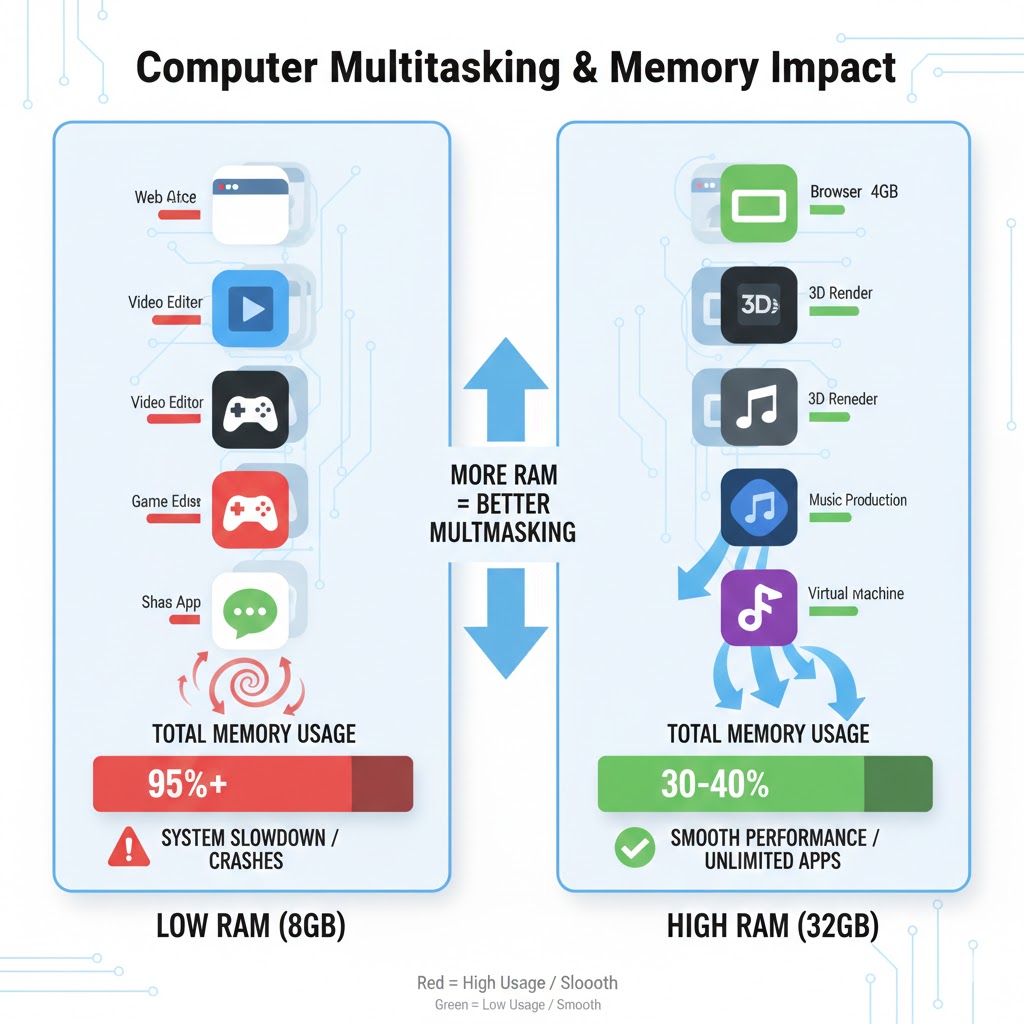
Modern software and apps use more memory than ever. Even simple multitasking, like running multiple browser tabs, streaming music, and using chat apps, quickly fills RAM. As a result, systems without enough memory start to slow down, making extra RAM essential for smooth performance.
Software Became Heavier
First, applications changed drastically. Years ago, a program loaded once and stayed simple. Now, each app runs multiple background services. As a result, RAM usage increased even when you are idle.
Moreover, websites preload videos, advertisements, and scripts. Therefore, a single tab may consume hundreds of megabytes instead of a few megabytes like in the past.
Multitasking Became Normal
Secondly, users rarely open one program at a time. Instead, typical usage includes:
- Web browser with many tabs
- Streaming music
- Messaging apps
- Cloud synchronization
- Antivirus scanning
- System updates
Consequently, computers must keep many tasks active simultaneously.
Operating Systems Reserve Memory
Modern operating systems reserve memory for stability and security. In addition, live search indexing and system caching continuously run in the background. Therefore, free memory is intentionally used to improve speed but only if enough RAM exists.
H2: How Much RAM Needed For Each Level
To simplify the decision, we will examine each memory size based on real usage rather than marketing numbers.
H3: How Much RAM Needed; 4GB Experience
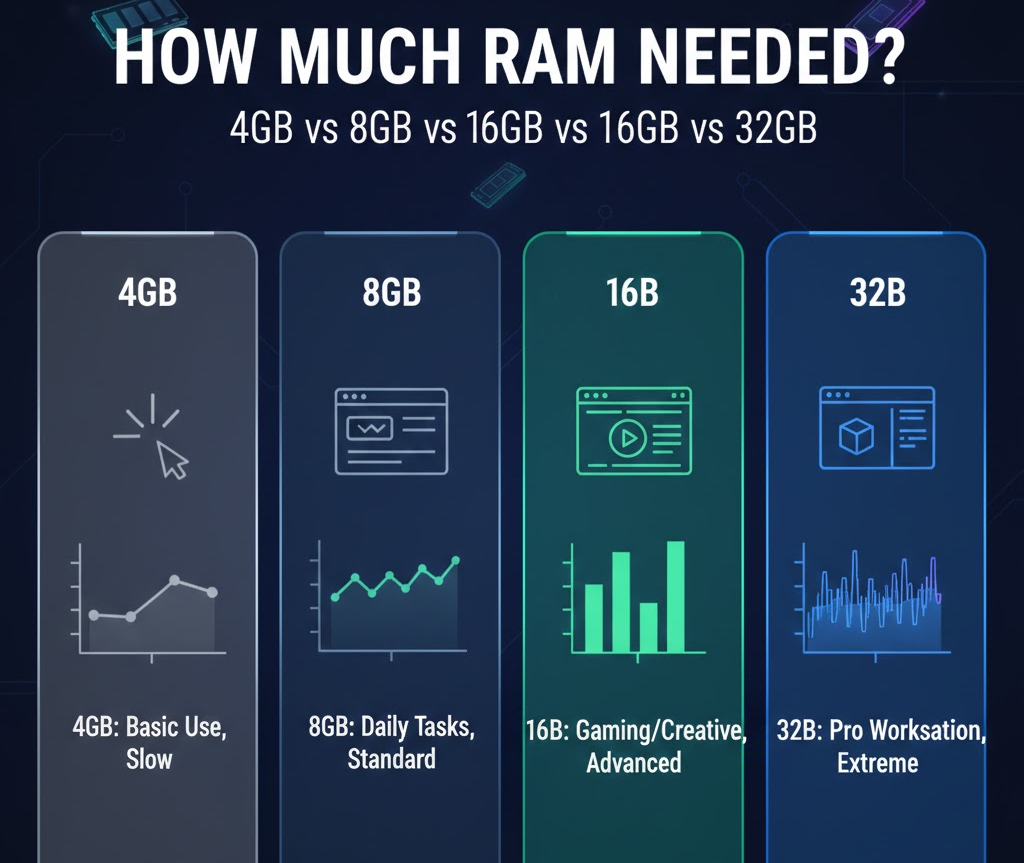
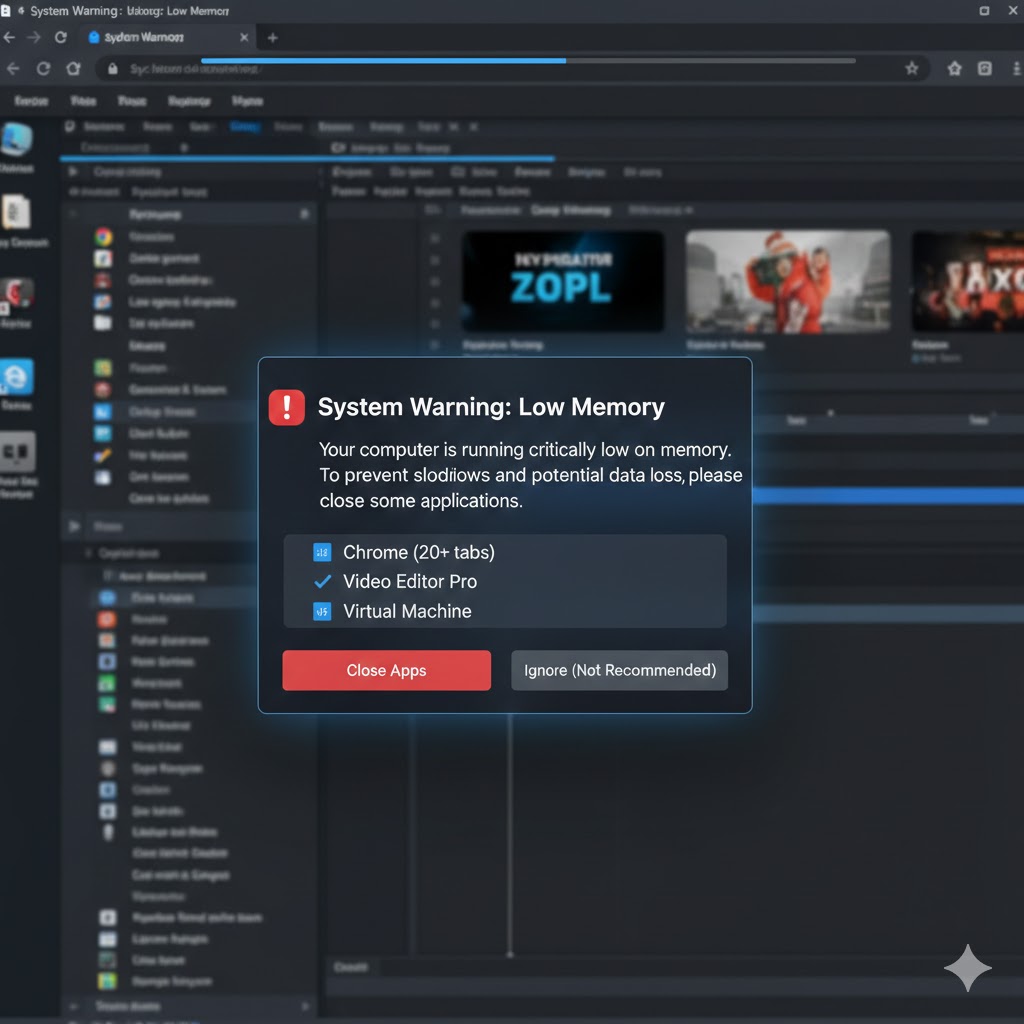
At first glance, 4GB may seem usable because the system boots and allows basic applications to run. However, once you start multitasking with multiple browser tabs, messaging apps, and media players, the memory fills up quickly. As a result, the computer begins to rely on storage as temporary memory, which is much slower and causes stuttering or lag. Consequently, users will notice frequent delays, reloading tabs, and a generally frustrating experience. Therefore, 4GB is suitable only for extremely light tasks, such as simple document editing or legacy software
Everyday Performance
At first glance, 4GB appears usable because the system boots normally. However, once real tasks begin, problems quickly appear. Opening several tabs forces the system to use storage as temporary memory. As a result, the computer becomes extremely slow.
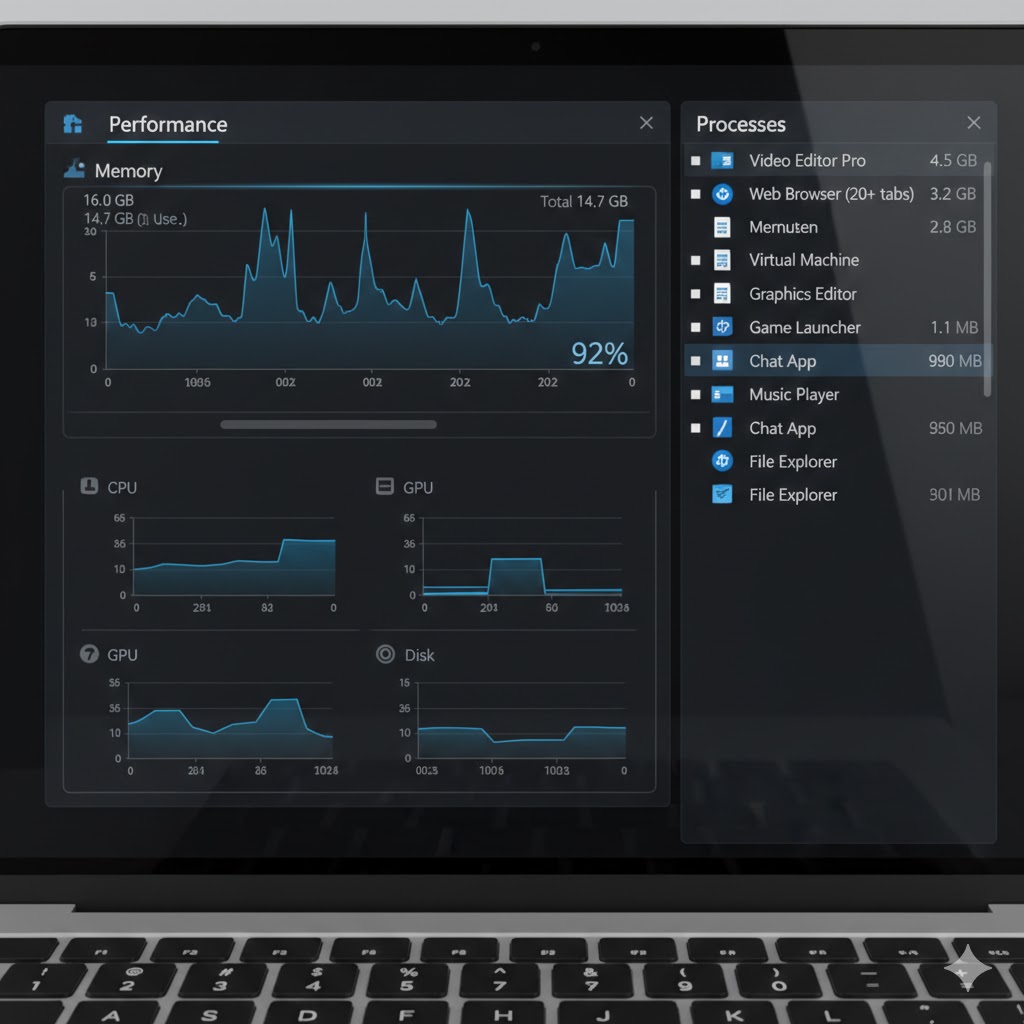
What You Will Notice
- Freezing while switching apps
- Tabs constantly reloading
- Video buffering
- Delayed typing response
Because storage is far slower than RAM, the device feels laggy even with a fast SSD.
Suitable Users
Only very limited usage works:
- Writing offline documents
- One browser tab research
- Legacy software
Nevertheless, modern online work becomes frustrating.
Conclusion For 4GB
In conclusion, 4GB RAM is now barely sufficient for very basic tasks. Therefore, it is only suitable for users with minimal multitasking needs, and most modern applications will quickly overwhelm it.
H3: How Much RAM Needed; 8GB Experience
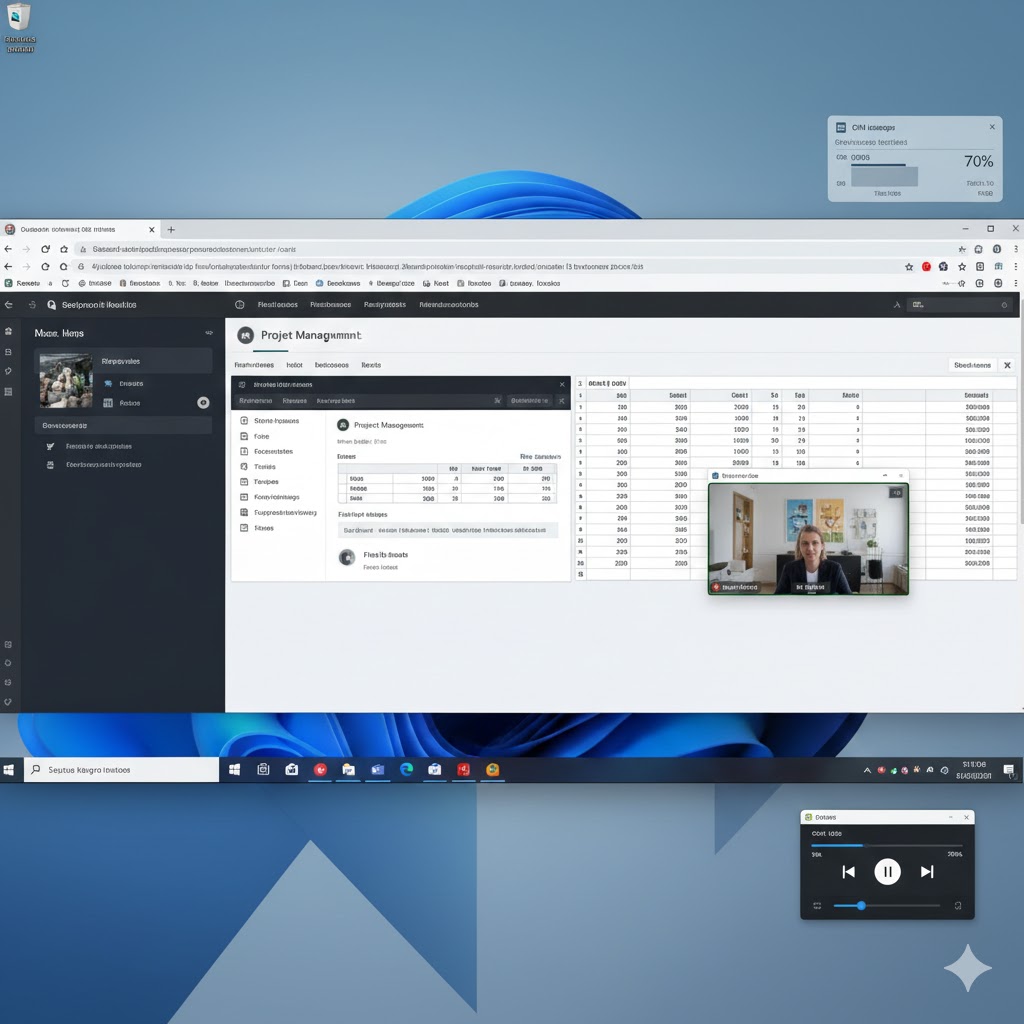
With 8GB, daily tasks become more manageable, and the system feels responsive for light multitasking. For example, students or office users can comfortably open 8–12 browser tabs, run office software, and stream media simultaneously. However, performance limitations appear when more demanding apps, like video editors or multiple virtual machines, run at the same time. As a result, occasional stutters or slowdowns may occur, especially when background processes consume additional memory. Therefore, while 8GB is usable today, opting for 16GB offers better longevity and smoother multitasking in the near future.
Basic Daily Tasks
Next, 8GB represents entry level modern usage. The computer becomes usable for browsing, studying, and office work. Additionally, switching between apps is mostly smooth in light workloads.
You can comfortably:
- Open 8–12 tabs
- Watch HD videos
- Use office software
- Attend online classes
Limitations Appear
However, multitasking reveals the limits. For example, running a meeting app while browsing causes stutters. Furthermore, background updates reduce responsiveness.
Because memory fills quickly, the system occasionally slows rather than freezing completely.
Longevity
Although usable today, software continues growing heavier. Consequently, 8GB may feel slow within a few years.
Conclusion For 8GB
To sum up, 8GB RAM works for light multitasking and basic productivity. However, as workloads increase, users may experience slowdowns, so upgrading sooner rather than later is recommended for a smoother experience.
H3: How Much RAM Needed 16GB Sweet Spot
At 16GB, most users experience smooth multitasking without noticeable slowdowns. For instance, you can run 20+ browser tabs, video calls, office apps, and cloud-syncing tools simultaneously, while switching between programs feels instant. Moreover, modern games benefit from this memory size, reducing stutters caused by texture or environment loading. Consequently, 16GB is often considered the sweet spot for students, office workers, and casual creators, providing both performance and some degree of future-proofing.
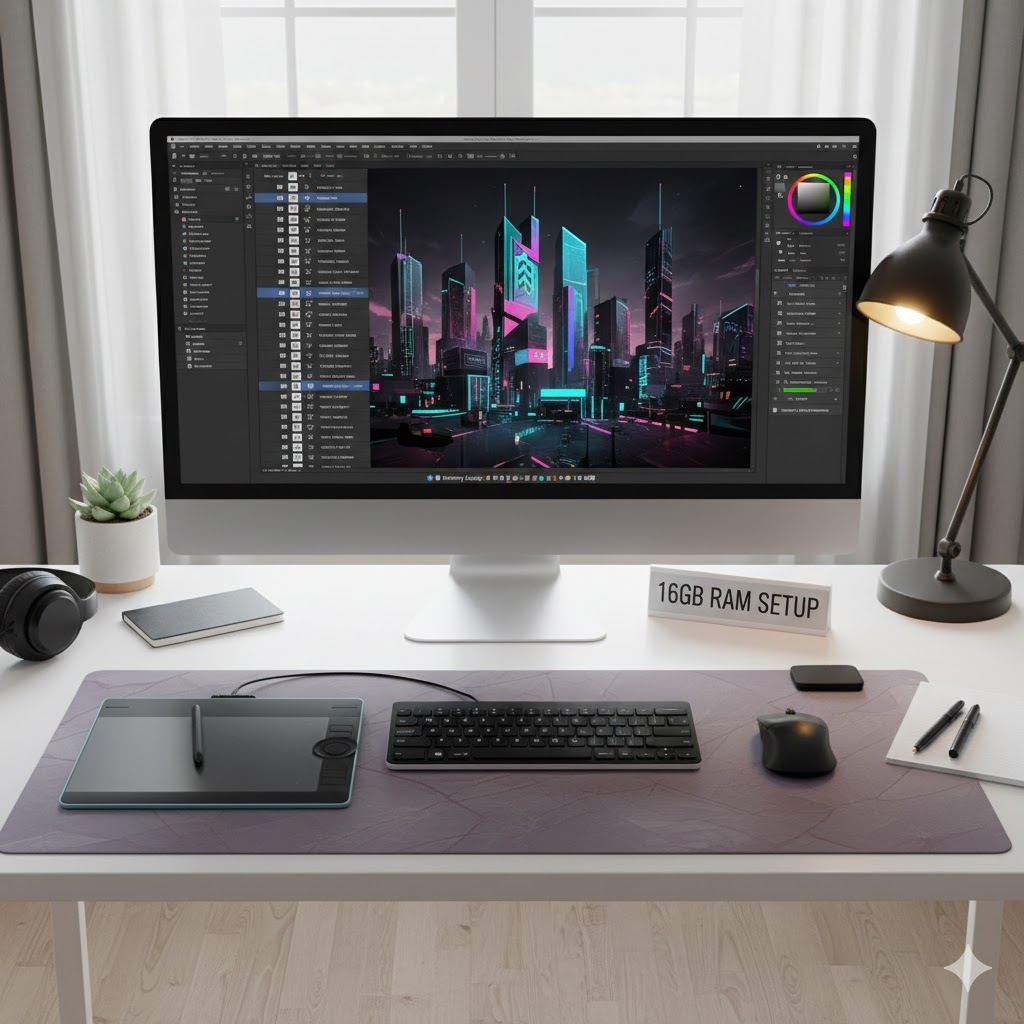
Smooth Multitasking
Now we reach the balanced configuration. With 16GB, most users experience consistently smooth performance. Programs remain loaded in memory, so switching feels instant.
Typical usage works effortlessly:
- 20+ browser tabs
- Photo editing
- Programming tools
- Video calls
- Background apps simultaneously
Gaming Stability
Modern games benefit significantly. Instead of stutters, gameplay becomes stable because textures remain in memory. In addition, background applications no longer interrupt performance.
Productivity Advantage
Editing documents while researching and communicating becomes seamless. Therefore, workflow interruptions disappear.
Future Proofing
Because current software targets around this capacity, 16GB should remain comfortable for many years.
Conclusion For 16GB
Overall, 16GB RAM strikes a balance between performance and cost. Consequently, it is ideal for most students, office workers, casual creators, and gamers who want smooth multitasking without constant upgrades.
H3: How Much RAM Needed 32GB Power Users
At 16GB, most users experience smooth multitasking without noticeable slowdowns. For instance, you can run 20+ browser tabs, video calls, office apps, and cloud-syncing tools simultaneously, while switching between programs feels instant. Moreover, modern games benefit from this memory size, reducing stutters caused by texture or environment loading. Consequently, 16GB is often considered the sweet spot for students, office workers, and casual creators, providing both performance and some degree of future-proofing.
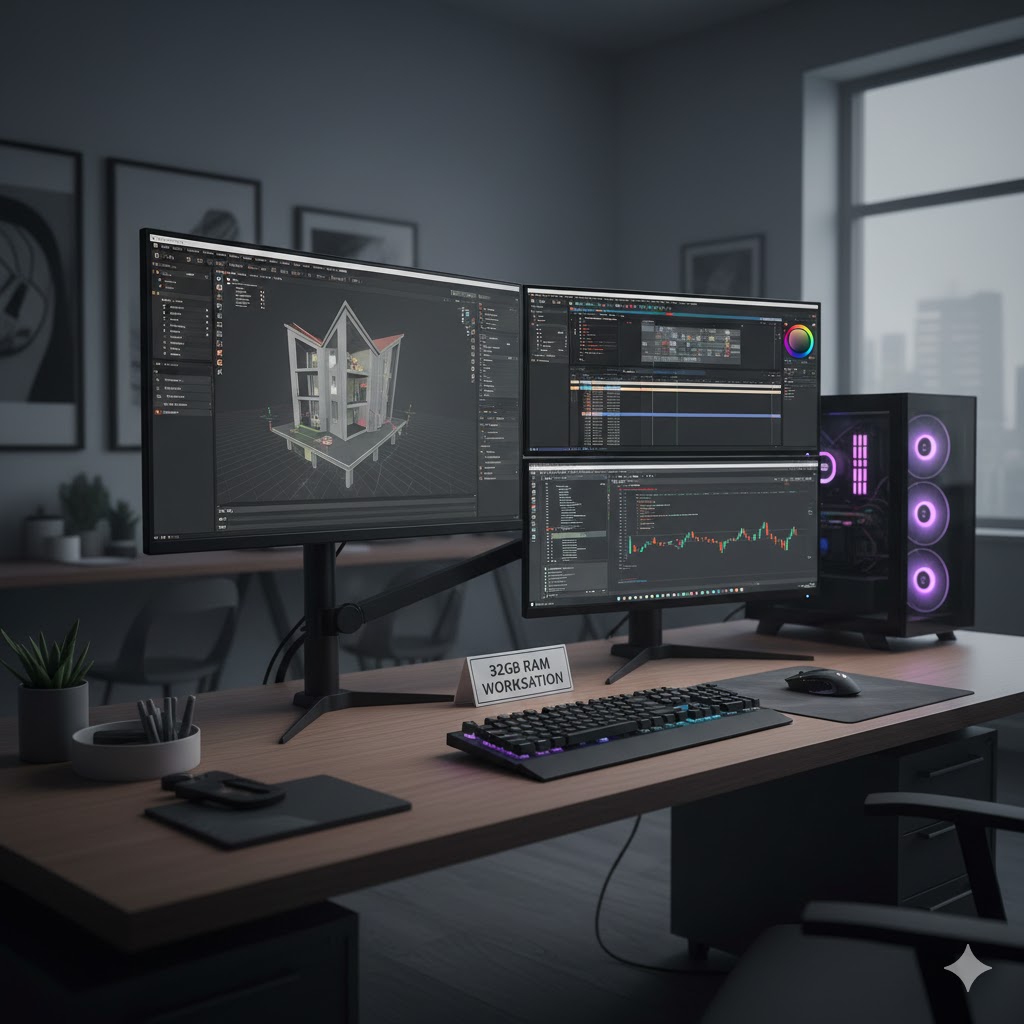
Professional Workloads
Finally, 32GB suits heavy tasks. Video editing, development environments, and virtual machines load massive data into memory. Therefore, additional RAM prevents slowdowns entirely.
Extreme Multitasking
Users can open dozens of applications simultaneously without performance loss. Consequently, creators and engineers benefit greatly.
Long‑Term Investment
Although expensive initially, avoiding future upgrades often saves money over time.
Conclusion For 32GB
Finally, 32GB RAM is perfect for professionals, developers, and heavy creators. As such, it handles demanding applications and extreme multitasking effortlessly, ensuring productivity remains consistent even under heavy workloads.
Comparison Table
| RAM | Experience | Best For | Lifespan |
|---|---|---|---|
| 4GB | Very slow | Legacy systems | Already outdated |
| 8GB | Basic | Students | Short term |
| 16GB | Smooth | Most users | Long term |
| 32GB | Ultra smooth | Creators | Very long term |
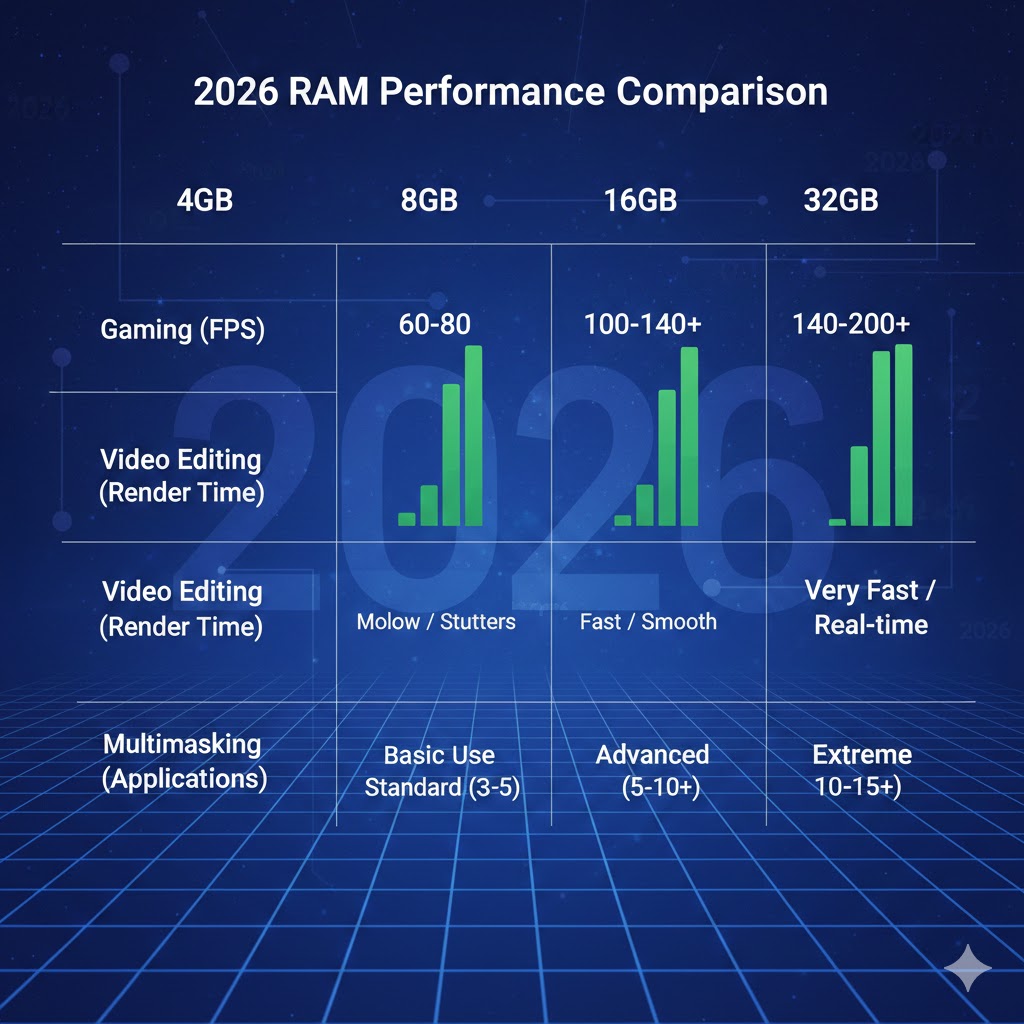
Laptop vs Desktop Memory Needs
Interestingly, laptops require more RAM than desktops. Because integrated graphics share system memory, available memory reduces automatically. Therefore, an 8GB laptop behaves closer to a 6GB desktop under load.
As a result, laptop buyers should strongly consider 16GB whenever possible.
RAM vs SSD; Common Confusion
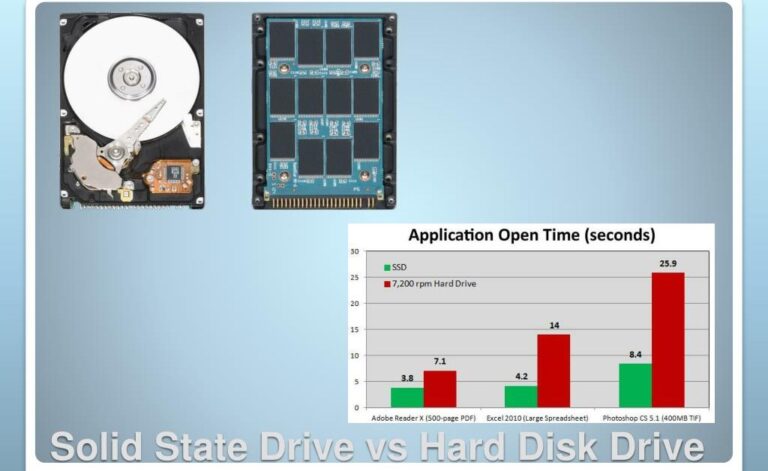
Many people believe SSD upgrades replace RAM upgrades. However, they solve different problems. SSD improves loading speed, whereas RAM maintains active tasks.
Once RAM fills, the computer uses the SSD as temporary memory, which is far slower. Consequently, increasing RAM usually provides larger performance improvement.
If you still wonder whether upgrading storage can make your computer faster, I explained it clearly in my portable SSD performance guide.
Gaming Requirements Today
Modern games preload environments and textures into memory. Therefore, insufficient RAM causes stutters even when frame rate seems high.
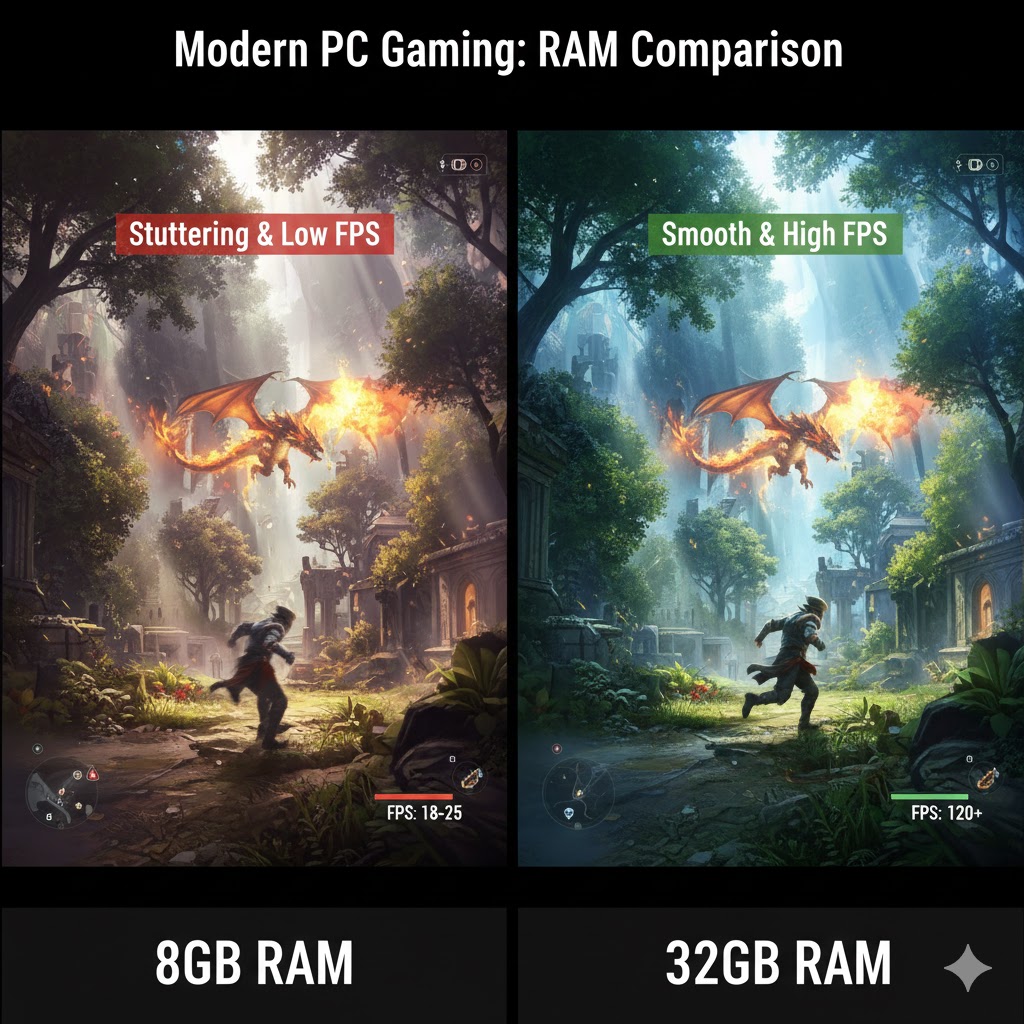
Typical requirements:
- Esports games: 8GB minimum, 16GB recommended
- AAA games: 16GB recommended
- Simulation and modded games: 32GB ideal
For real-world hardware requirements, you can check the official specifications listed on the Steam game store, where most modern titles recommend at least 16GB RAM for smooth gameplay.
Choosing The Right Amount For You
Students
For students, 8GB of RAM can handle basic tasks like research, writing assignments, and streaming lectures. However, when multiple browser tabs, video calls, and cloud-based apps run simultaneously, performance can start to slow. Therefore, opting for 16GB ensures smoother multitasking and reduces interruptions. In addition, having extra memory provides some future-proofing as software and online tools continue to become more demanding.
Office Workers
Office workers often juggle several applications at the same time, including email clients, spreadsheets, presentations, and messaging apps. As a result, 16GB of RAM is recommended to maintain consistent productivity. Moreover, switching between tasks feels seamless, while background processes like automatic updates or cloud syncing no longer disrupt workflow. Consequently, sufficient memory is essential for minimizing delays and keeping daily work efficient.
Gamers
Gaming today is more demanding than ever, and RAM plays a critical role in performance. For instance, modern games preload textures, environments, and background assets into memory, which requires sufficient RAM to avoid stutters. While 8GB may run some esports titles, for AAA games, 16GB is recommended to maintain smooth gameplay. Moreover, having extra memory allows gamers to keep background applications, such as voice chat or streaming software, running without affecting performance. Consequently, investing in the right amount of RAM ensures a seamless gaming experience and prevents interruptions during intense sessions.
Creators And Developers
Creators and developers often run multiple heavy applications at once, such as video editing software, 3D rendering programs, virtual machines, or integrated development environments. These tasks demand large amounts of memory to remain smooth and responsive. With 32GB of RAM, creators can work efficiently, switch between programs without lag, and handle large projects without interruptions. Investing in higher memory ensures productivity stays consistent, even under the most demanding workloads.
Buying Advice
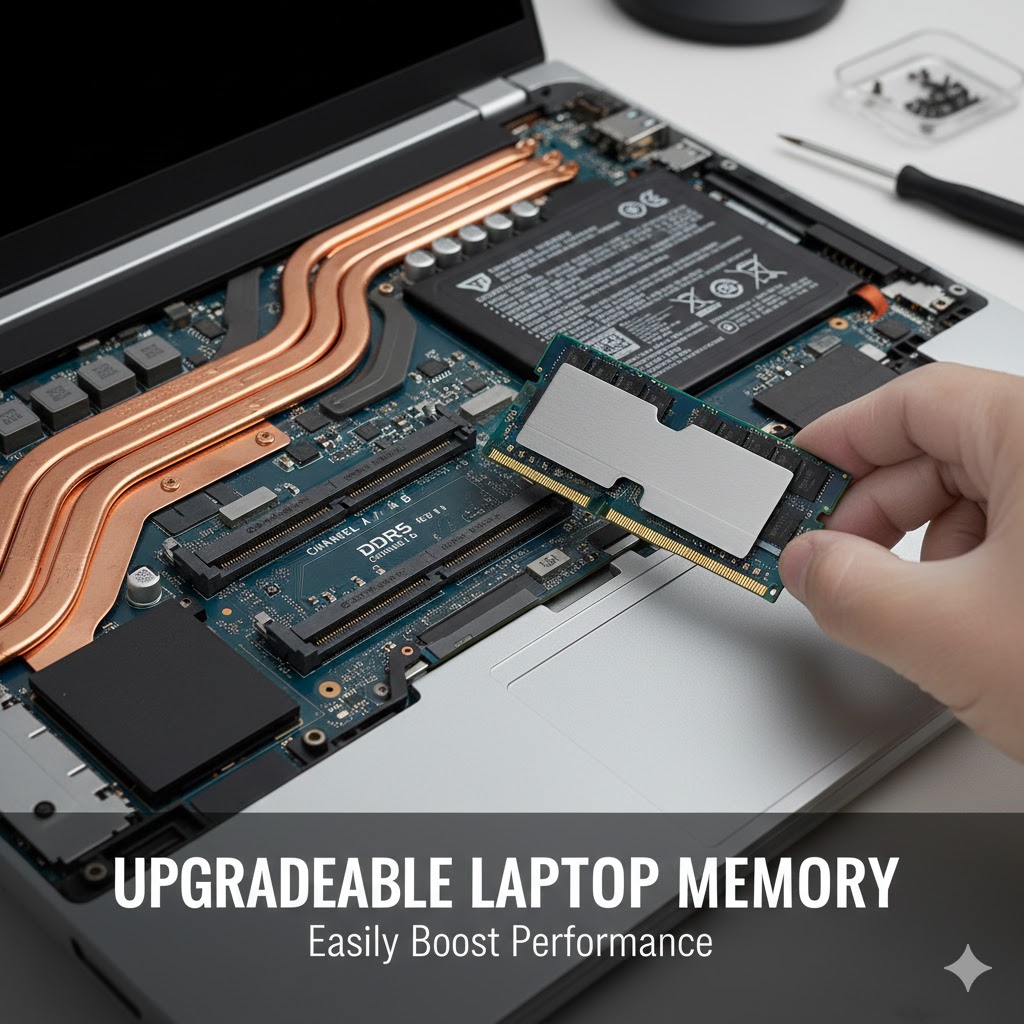
When purchasing a new laptop, prioritize upgradeable memory if possible. Additionally, choose dual‑channel RAM for better performance. Furthermore, avoid soldered low‑capacity configurations that cannot be upgraded later.
If you are choosing a new computer, you can also see my recommended laptops for students and small business owners to pick the right configuration.
Final Recommendation
In practical terms, choosing memory determines everyday comfort more than processor speed. Therefore, the safest buying rule is simple:
- Budget purchase → 8GB minimum
- Smart purchase → 16GB recommended
- Long‑term professional → 32GB ideal
Ultimately, understanding how much ram needed prevents overspending while ensuring smooth performance for years.
FAQs
1. Is 4GB RAM enough in 2026? No. While a system can boot, normal web browsing and updates quickly overwhelm memory. Therefore, daily usage becomes frustrating and slow.
2. Is 8GB RAM still okay for students? Yes, but only for light tasks. However, multiple tabs, meetings, and research together will cause lag. Consequently, 16GB offers a much smoother experience.
3. Do I need 16GB RAM for Windows 11? Windows 11 runs on 8GB, yet multitasking feels limited. In contrast, 16GB allows comfortable browsing, meetings, and productivity simultaneously.
4. Is 32GB RAM overkill? For casual users, yes. On the other hand, creators, programmers, and heavy multitaskers benefit significantly from it.
5. Does more RAM improve gaming FPS? Not directly. Instead, it prevents stutters and texture loading delays, which makes gameplay smoother overall.
6. Can SSD replace RAM? No. Although SSD speeds up loading, RAM keeps programs active. Therefore, insufficient RAM still causes slowdowns even with a fast SSD.
Further Thoughts
Technology keeps evolving, and software rarely becomes lighter. Because applications now integrate cloud syncing, background AI features, and real‑time indexing, memory demand steadily rises. Consequently, buying only the minimum specification often leads to early upgrades.
Moreover, RAM affects comfort more than raw speed. A mid‑range processor with enough memory usually feels faster than a powerful processor with insufficient memory. Therefore, prioritizing RAM often gives the best value for money.
Additionally, upgradeability matters. Choosing a device with expandable memory extends lifespan dramatically. Instead of replacing the entire laptop, adding memory later restores performance at low cost.
Conclusion
In the end, choosing the correct memory size determines everyday computer experience. While small capacities may appear cheaper, they quickly become limiting as workloads grow. Therefore, selecting the right amount initially prevents frustration and future expense.
The simple rule remains practical:
- 8GB runs basic tasks
- 16GB runs daily life comfortably
- 32GB runs professional workloads effortlessly
Ultimately, understanding how much RAM needed ensures your computer remains smooth, responsive, and useful for many years.