
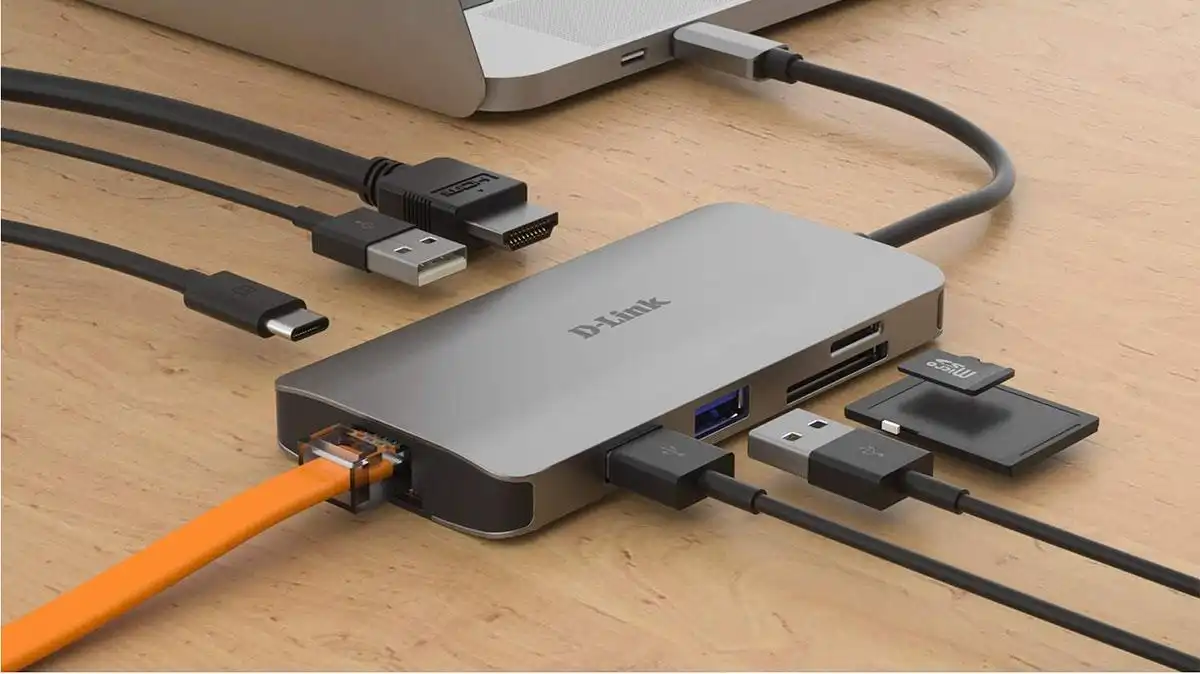
Best USB-C Hubs in 2026 for MacBook, Laptops & Tablets
Introduction: Best USB-C Hubs in 2026
In today’s fast-paced digital world, having the best USB-C hubs in 2026 is no longer optional it’s essential for anyone who wants to maximize connectivity and productivity. Therefore, whether you’re a professional, a student, or a content creator, choosing the right hub can make a huge difference in your workflow.
Moreover, many modern laptops and tablets come with limited ports, which makes a reliable USB-C hub crucial for connecting monitors, external drives, and other peripherals. Consequently, investing in a high-quality hub ensures seamless performance, reduces clutter, and future-proofs your setup.
If you’re also upgrading your laptop, you may want to check our guide on best laptops for students, which covers devices fully compatible with USB-C hubs and other accessories.
Overall, this guide will walk you through the top USB-C hubs in 2026, comparing features, performance, and value, so you can make an informed choice without wasting time or money.
That’s where a USB-C hub saves your day.
A good hub basically turns one USB-C port into an entire workstation HDMI, USB ports, SD cards, Ethernet, and charging all at once.
But here’s the problem in 2026:
There are hundreds of hubs online… and most of them look identical.
Some overheat.
don’t support dual monitors.
slow down your SSD transfers.
So in this guide, I tested and researched the best USB-C hubs in 2026 and picked the ones actually worth buying.
What You Should Know First-About Best USB-C hubs in 2026
Before buying, you need to understand one important thing:
Not all USB-C hubs are equal.
Many cheap hubs advertise “10 ports” but internally they share bandwidth. That means when multiple devices are connected, performance drops dramatically. High quality hubs use faster standards like USB 3.2 or Thunderbolt so devices can run simultaneously without slowdowns.
Key specs that matter in 2026
1. Data speed
- 5Gbps → Basic peripherals only
- 10Gbps → Recommended minimum
- 40Gbps (USB4/Thunderbolt) → Professional setups
2. Power Delivery (PD)
Look for 100W charging passthrough this powers your laptop while using the hub.
3. Display support
- 4K@30Hz → cheap hubs (avoid)
- 4K@60Hz → ideal
- Dual monitor → productivity setup
4. Ethernet
Gigabit Ethernet gives stable internet up to 1Gbps faster and more reliable than Wi-Fi.
Top 10 Picks: Best USB-C hubs in 2026
Below are the most reliable hubs this year. Each one fits a different type of user.
1. Anker 555 8-in-1 USB-C Hub (Best Overall)
Why it’s great: Balanced, reliable, and works with almost everything.
- 4K@60Hz HDMI
- 100W Power Delivery
- 10Gbps ports
- Ethernet + SD cards
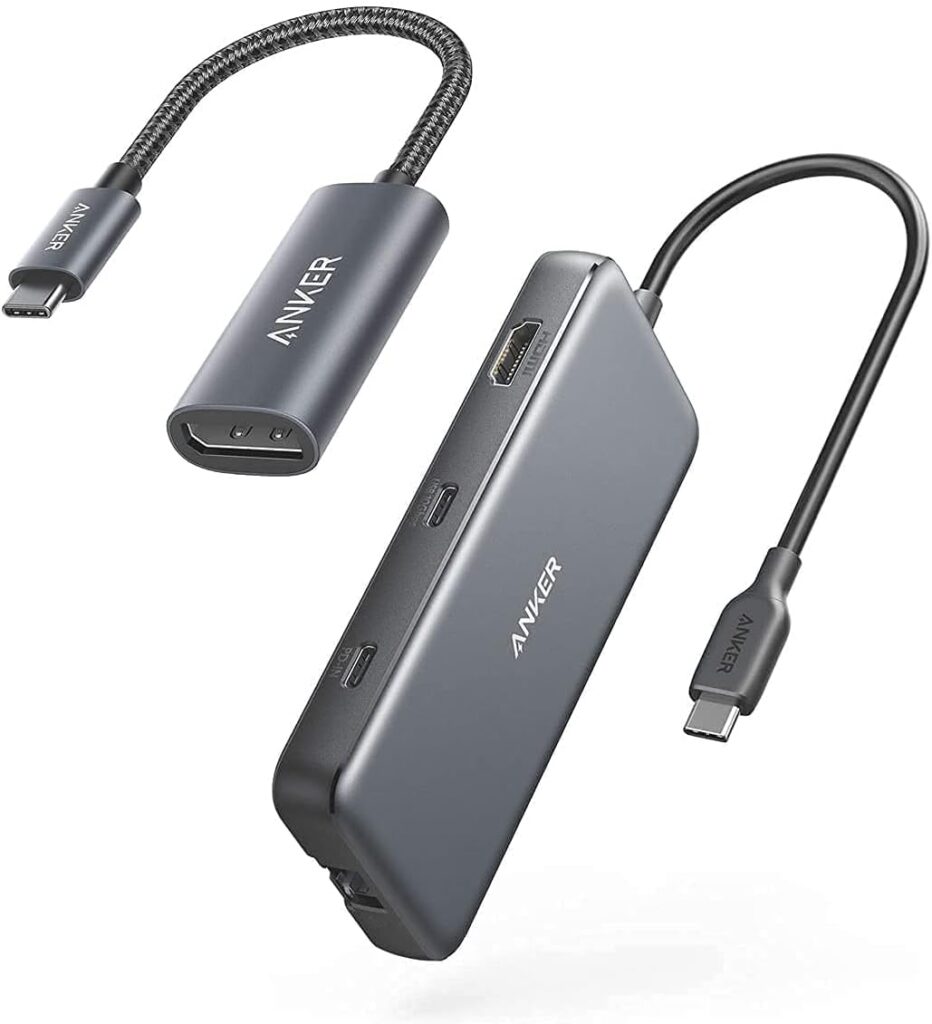
Perfect for students, office users, and everyday multitasking.
It’s basically the “buy it and forget about it” hub.
2. UGREEN Revodok Pro 9-in-1 (Best Value)
More ports without the premium price.
- 9 ports
- 4K60 HDMI
- Ethernet
- Fast USB-A & USB-C
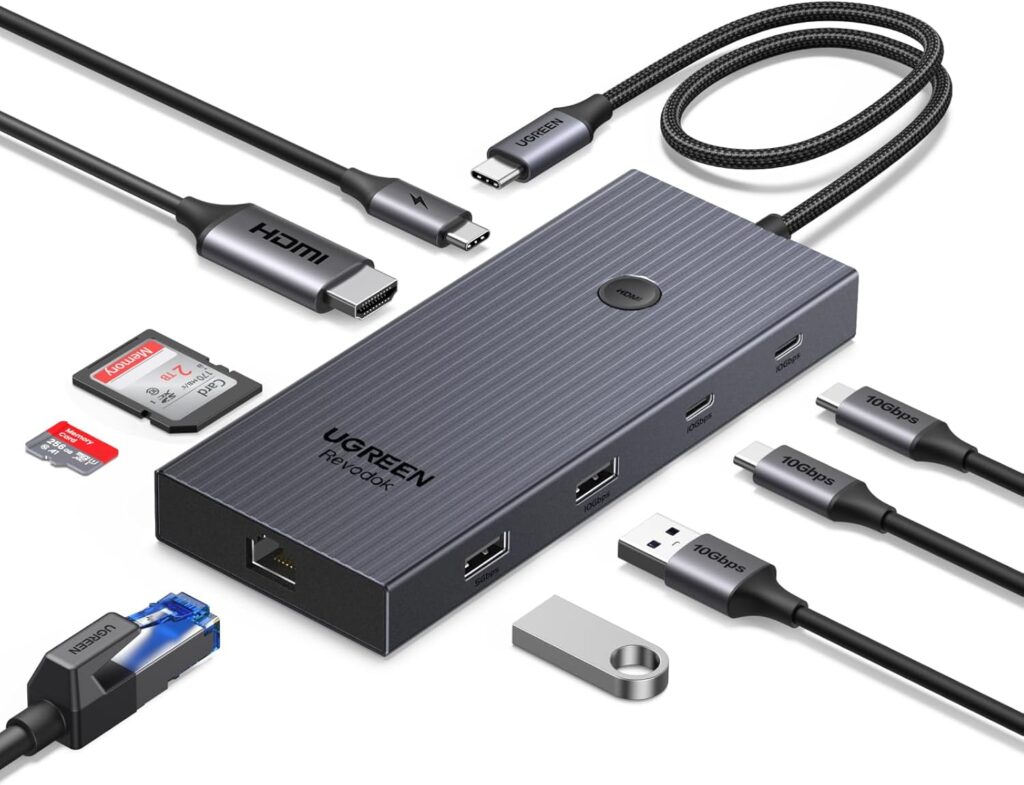
Great if you want maximum connectivity on a budget.
3. Satechi 8 In 1 USB (Best for MacBook)
Designed specifically for MacBooks fits flush on the side.
- Clean design
- 96W charging
- High-resolution display
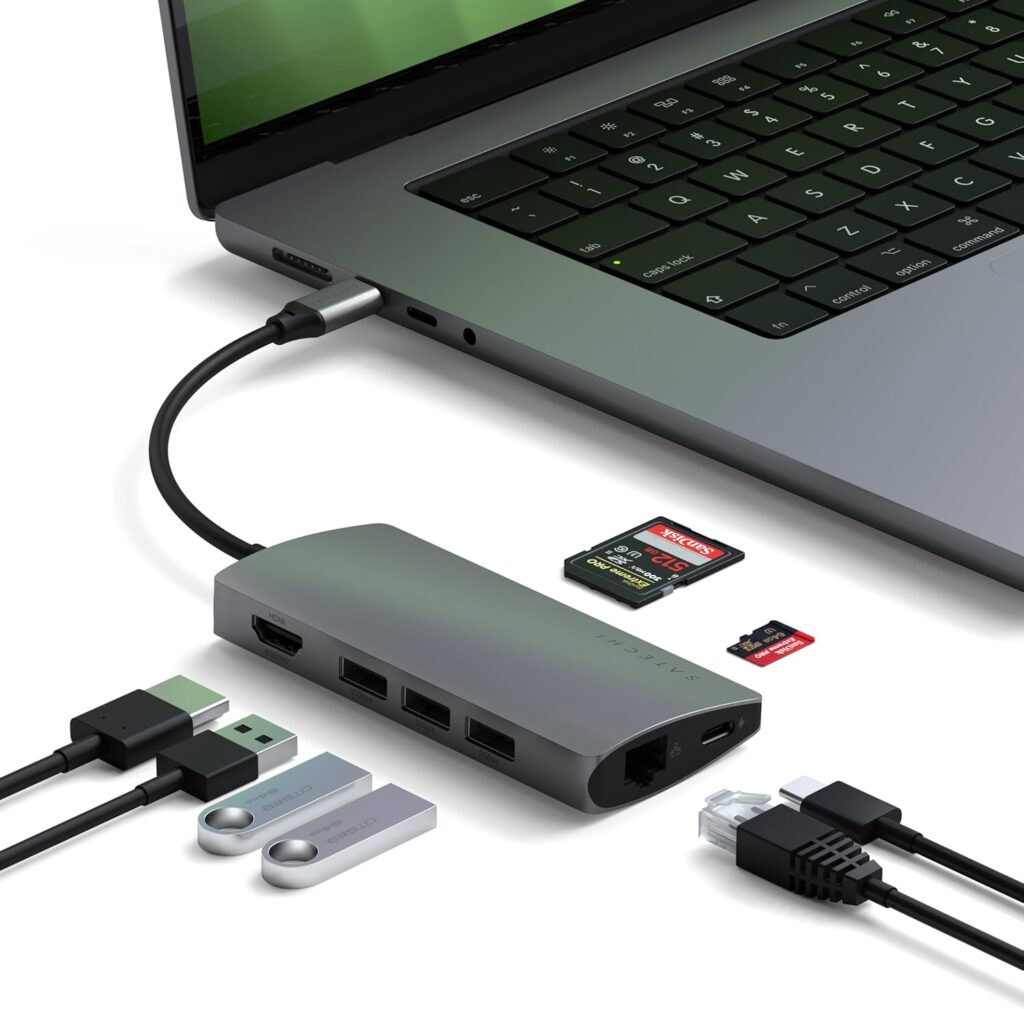
Looks like it came inside the MacBook box.
4. Belkin 6-in-1 USB-C Hub (Best Portable)
Tiny but dependable.
- Slim travel design
- Reliable HDMI
- Good build quality
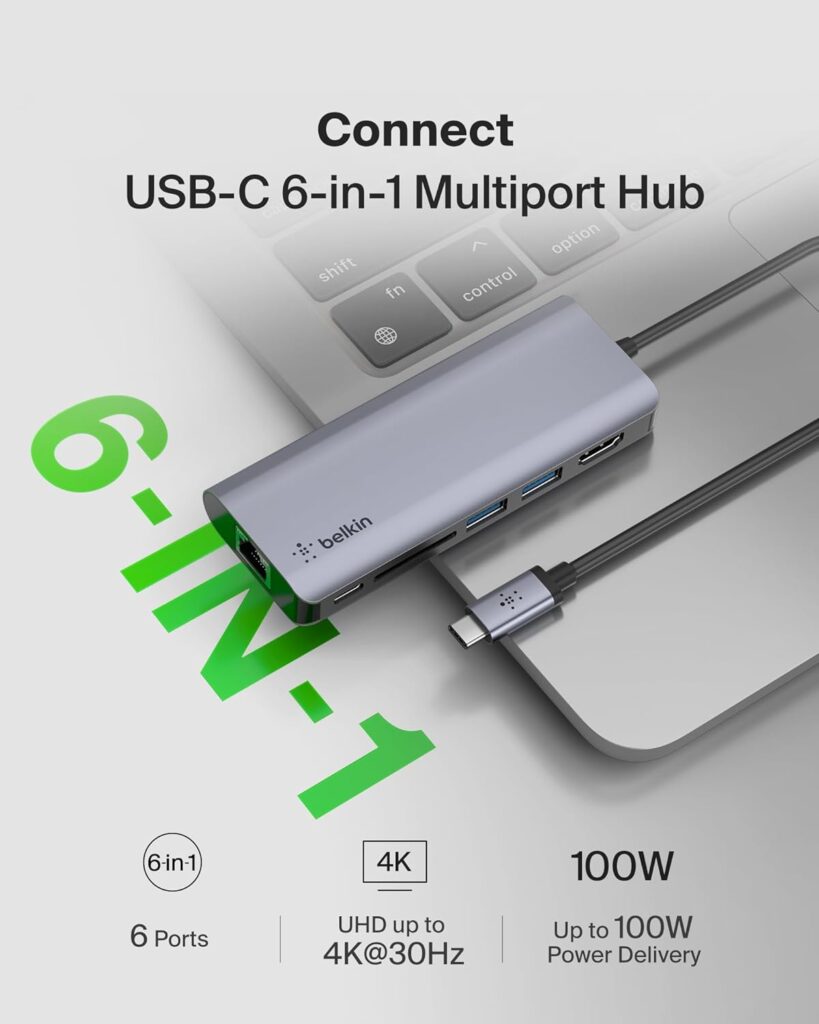
Ideal for travel or lectures.
5. HyperDrive 6-in-1 (Best for Creators)
Photographers love this one.
- Fast SD card transfer
- Stable display output
- Durable build
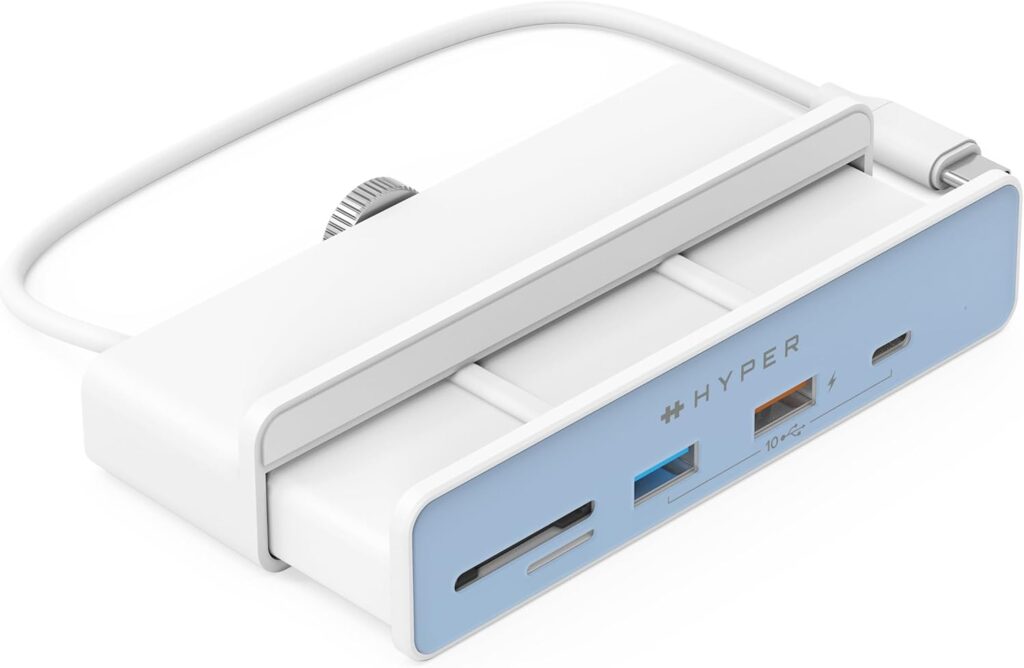
Perfect for editing photos and videos.
6. Baseus Metal Gleam 8-in-1 (Best Budget Premium)
Cheap but surprisingly solid.
- Metal body
- Ethernet + HDMI
- Good heat control
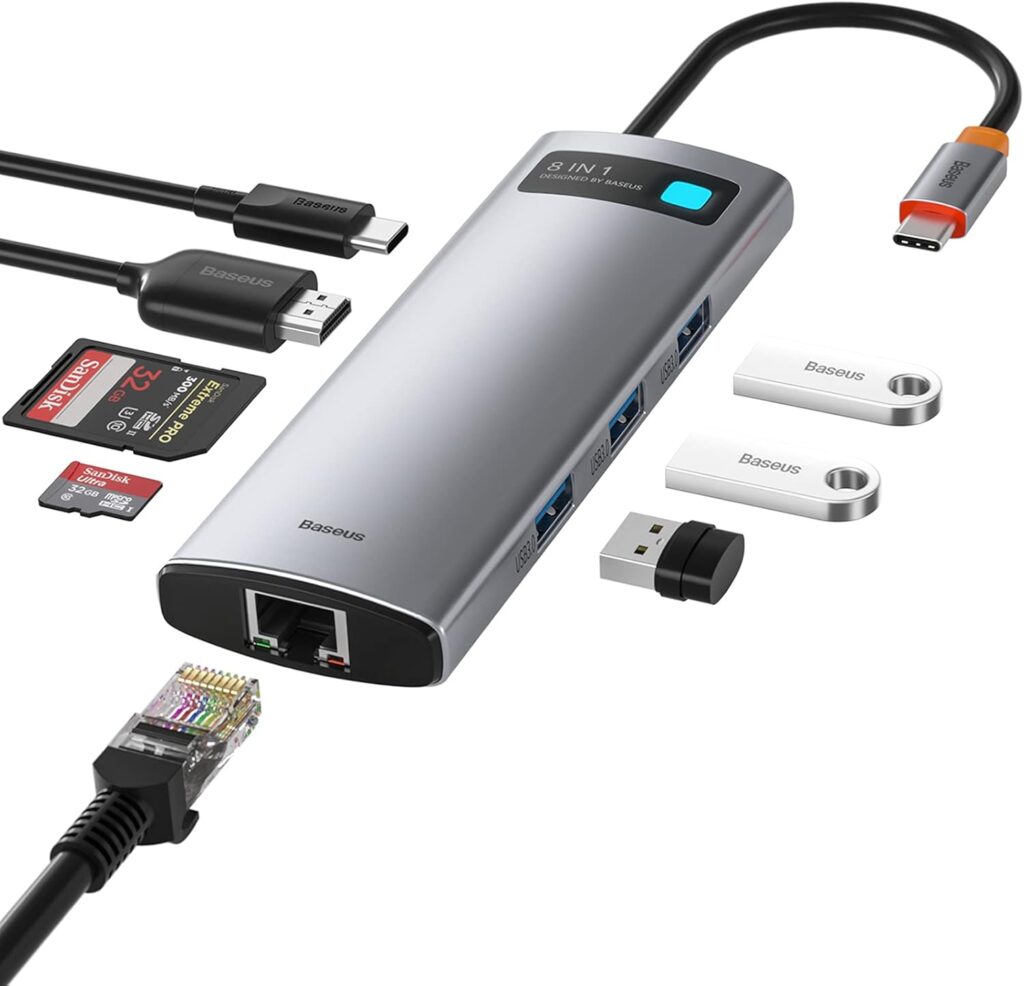
Best cheap hub that doesn’t feel cheap.
7. USB C Hub, DockteckExpand 7 in 1 USB-C (Best Dual Monitor Budget)
Supports dual displays and charging.
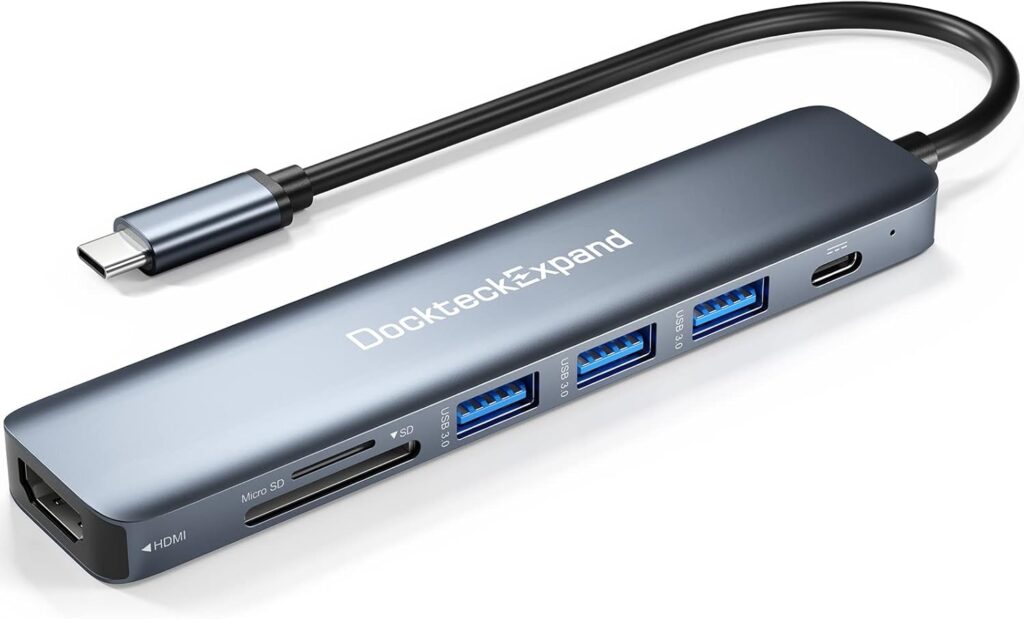
Excellent for productivity setups.
8. dockteck 7-in-1 USB C Hub (Best Simple Hub)
Minimal features but very stable.
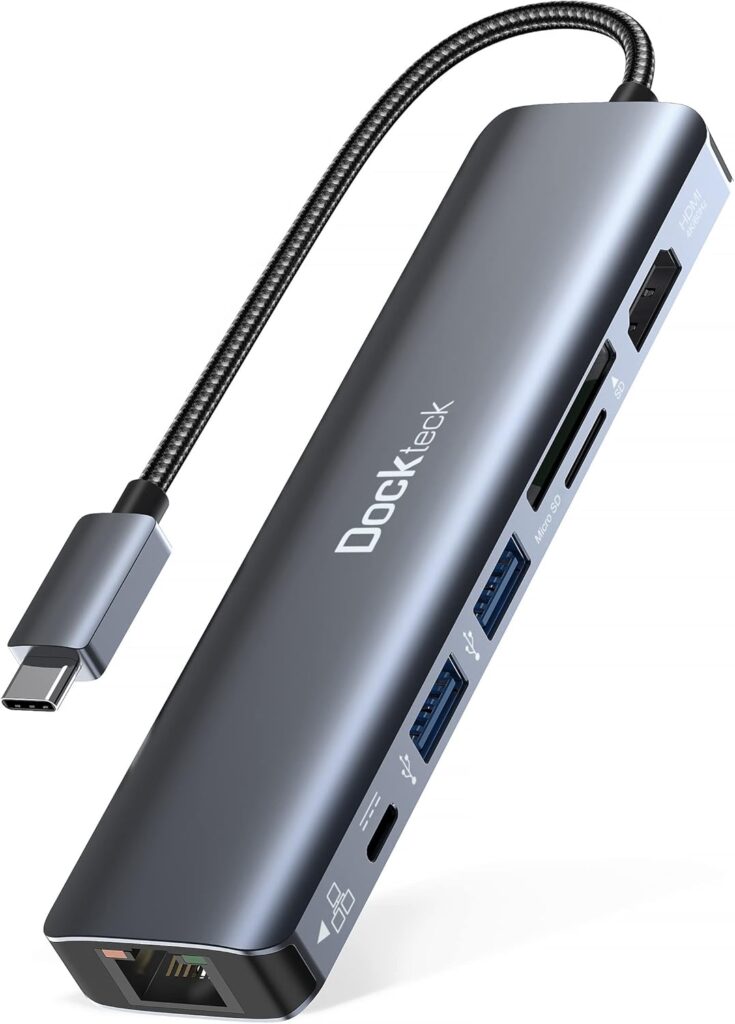
For basic use: mouse, keyboard and flash drive.
9. StarTech.com 7-in-1 USB-C Hub (Best Business Reliability)
Corporate favorite, extremely stable connections.
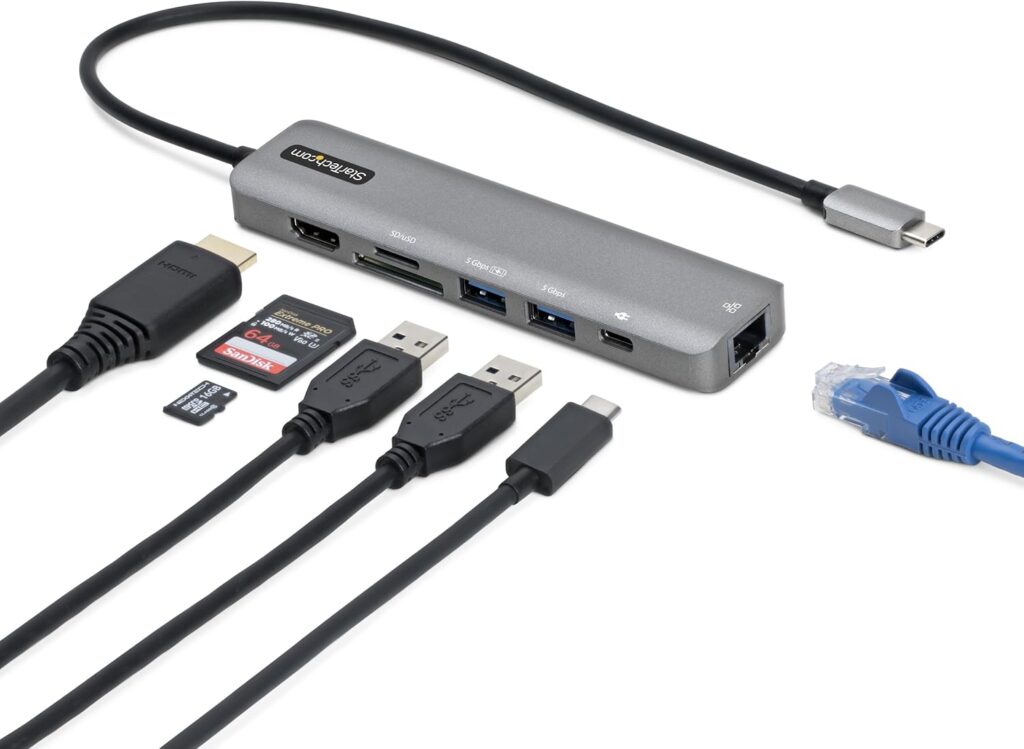
Used in offices and IT departments.
10. CalDigit Thunderbolt Dock (Best Professional Setup)
Power users and creators.
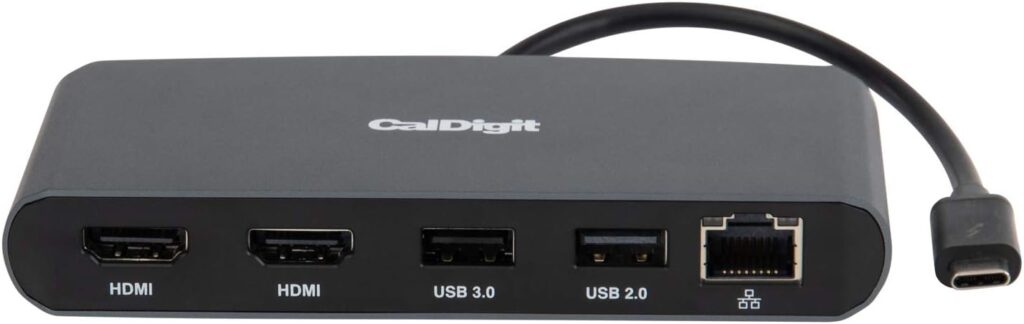
If you use multiple monitors + SSDs this is your beast.
“After reviewing multiple options, here’s a quick comparison of the best USB-C hubs in 2026, highlighting their features, pros, and cons to help you pick the right one.”
Comparison Table – Best USB-C Hubs in 2026
| USB-C Hub | Highlight | Ports & Features | Pros | Cons |
|---|---|---|---|---|
| CalDigit Thunderbolt Dock | Best Professional Setup | 4x Thunderbolt 4, 4x USB-A, USB-C PD, DisplayPort, Ethernet | Ultra-fast, ideal for professional setups, supports multiple monitors | Expensive, mainly for power users |
| StarTech.com 7-in-1 USB-C Hub | Best Business Reliability | HDMI 4K, 2x USB-A, USB-C PD, SD/TF card reader, Ethernet | Reliable, durable, great for office use | Slightly bulky |
| Dockteck 7-in-1 USB-C Hub | Best Simple Hub | HDMI, 2x USB-A, USB-C PD, SD/TF card reader, Ethernet | Affordable, compact, simple setup | Limited design options |
| Dockteck Expand 7-in-1 USB-C | Best Dual Monitor Budget | 2x HDMI, 2x USB-A, USB-C PD, SD card reader | Supports dual monitor, budget-friendly | Can get warm during heavy use |
| Baseus Metal Gleam 8-in-1 | Best Budget Premium | HDMI 4K, 3x USB-A, USB-C PD, SD/TF, Ethernet, Audio jack | Premium build, stylish, good value | Slightly heavy for travel |
| HyperDrive 6-in-1 | Best for Creators | HDMI 4K, 2x USB-A, USB-C PD, SD/TF card reader | Compact, creative-friendly ports, high speed | Expensive for casual users |
| Belkin 6-in-1 USB-C Hub | Best Portable | HDMI, 2x USB-A, USB-C PD, SD card reader | Very portable, lightweight | Limited port selection |
| Satechi 8-in-1 USB-C Hub | Best for MacBook | HDMI 4K, 3x USB-A, USB-C PD, Ethernet, SD/TF | MacBook optimized, sleek aluminum design | Pricey, fewer color options |
| UGREEN Revodok Pro 9-in-1 | Best Value | HDMI 4K, 3x USB-A, USB-C PD, SD/TF, Ethernet, Audio jack | Great features for the price, versatile | Bulkier than smaller hubs |
| Anker 555 8-in-1 USB-C Hub | Best Overall | HDMI 4K, 3x USB-A, USB-C PD, SD/TF card reader, Ethernet | Reliable, fast, durable, great all-rounder | Slightly large for travel |
H2:Best USB-C hubs in 2026 for Different Users
Students
Choose: Belkin or Anker 555
You only need keyboard, flash drive, HDMI.
Office workers
Anker 555 or UGREEN 9-in-1 is the best
Balanced daily productivity.
Creators
HyperDrive or CalDigit
Fast file transfers and stable displays.
Travelers
Choose: Baseus or Belkin
Compact and lightweight.
Buying Tips-Best USB-C hubs in 2026
Here’s the mistake many people make:
They buy a hub based on number of ports instead of performance.
Instead check:
Heat dissipation
Cable length
Power delivery wattage
Display refresh rate
Brand reliability
A good hub should last 3-5 years don’t treat it like a disposable accessory.
FAQs: Best USB-C Hubs in 2026
Q1: What should I look for when buying the best USB-C hubs in 2026?
A: When choosing the best USB-C hubs in 2026, you should consider port variety, data transfer speeds, power delivery support, and build quality. Additionally, check if it’s compatible with your laptop or tablet for seamless performance.
Q2: Are USB-C hubs compatible with older laptops?
A: Many USB-C hubs are backward compatible, but not all. Therefore, it’s crucial to check the port standards (like USB 3.1 or Thunderbolt 4) before purchasing the best USB-C hubs in 2026.
Q3: Can I charge my laptop through a USB-C hub?
A: Yes, if the hub supports Power Delivery (PD). However, note that charging speed may vary depending on your laptop’s power requirements and the hub’s PD output.
Q4: How many devices can I connect at once?
A: Most modern USB-C hubs allow connecting multiple devices, including monitors, external drives, and peripherals. Nevertheless, the performance may slightly drop if you overload it, so consider your daily needs when choosing the best USB-C hubs in 2026.
Q5: Are there hubs specifically designed for MacBooks or Windows laptops?
A: Indeed, some hubs are optimized for MacBooks, offering features like HDMI output and fast charging. Likewise, hubs for Windows often support multiple USB ports and SD card readers. Therefore, select a hub that matches your device ecosystem.
Further Thoughts: Best USB-C Hubs in 2026
In conclusion, the best USB-C hubs in 2026 are no longer just about connecting a few devices. Consequently, you should focus on speed, versatility, and compatibility. Moreover, investing in a high-quality hub can save you from frequent replacements and compatibility issues in the future.
Furthermore, as more devices adopt USB-C as a standard, having a hub that supports multiple ports including HDMI, Ethernet, and SD cards is almost essential. In addition, make sure it supports Power Delivery if you plan to charge your laptop or tablet through the hub.
Finally, while price is important, remember that a reliable and fast hub can significantly improve your workflow. Overall, selecting the best USB-C hubs in 2026 should balance performance, durability, and convenience, so you can get the most out of your tech setup.
Many USB-C hubs are used with external storage. To get the most out of your hub, check our guide on best portable SSDs for high-speed drives that complement your setup.
Final Verdict -Which One Should You Buy
If you just want one safe recommendation:
Get the Anker 555
It works with:
- Windows laptops
- MacBooks
- Tablets
- Phones
No compatibility drama.
If you want cheaper → UGREEN
want premium → CalDigit
If you want portable → Belkin
You may also want to read our detailed guide on AI tools to make money online in 2026.
Conclusion-Best USB-C Hubs in 2026
In conclusion, choosing the best USB-C hubs in 2026 depends on your specific needs, whether it’s professional setups, portability, or budget-friendly options. Therefore, it’s important to consider factors such as port variety, Power Delivery support, dual monitor compatibility, and build quality before making a purchase.
Additionally, hubs like the CalDigit Thunderbolt Dock are perfect for professionals who need high-speed connections, while compact options like the Belkin 6-in-1 USB-C Hub are ideal for on-the-go users. Moreover, budget-conscious buyers can still find reliable performance with options like the UGREEN Revodok Pro 9-in-1 or Baseus Metal Gleam 8-in-1.
Ultimately, investing in the right USB-C hub will not only expand your device connectivity but also improve your productivity. Overall, the best USB-C hubs in 2026 combine speed, versatility, and reliability, ensuring that your tech setup remains efficient and future-proof. To get the most out of your hub, consider pairing it with a high-speed drive see our SSD vs HDD speed test for more details.
USB-C accessories can be confusing honestly. I bought a cheap cable once and it couldn’t fast charge my phone or connect to my monitor. Since then I always check if it supports Power Delivery and data transfer speeds. This guide actually explains it clearly
confirmed it was the cable type. Fast charge and display working after replacing it
Thanks for sharing! Yes, most USB-C and Thunderbolt docking stations are compatible with a wide range of laptops, but it’s always a good idea to check your device’s specs before purchasing. Glad our guide on the best computer accessories 2026 was helpful