
Best External Monitors for Laptops (2026 Buying Guide)
If you’re searching for the best external monitors for laptops, you’re probably tired of working, gaming, or multitasking on a small screen. Whether you’re editing videos, trading online, coding, or simply working from home, upgrading to one of the best external monitors for laptops can dramatically improve your productivity and overall comfort.
In fact, adding a second display doesn’t just give you more screen space. It reduces eye strain, enhances multitasking, and creates a more professional setup. However, with so many options available including 4K monitors, ultra-wide displays, gaming monitors with high refresh rates, and portable USB-C monitors choosing the right one can feel overwhelming.
That’s why this guide breaks everything down clearly.
In this article, you’ll discover:
- The best external monitors for laptops for productivity
- The best gaming monitors
- The best portable monitors
- A full comparison table
- A buying guide
- FAQs and final recommendations
Let’s get started.
Quick Comparison Table : Best External Monitors for Laptops
| Monitor | Size | Resolution | Refresh Rate | Best For | Amazon |
|---|---|---|---|---|---|
| Dell S2721QS | 27″ | 4K UHD | 60Hz | Productivity | Check Price on Amazon |
| ASUS ProArt PA278QV | 27″ | 1440p | 75Hz | Creators | Check Price on Amazon |
| LG 27GP850-B | 27″ | 1440p | 165Hz | Gaming | Check Price on Amazon |
| Samsung Odyssey G5 | 27″ | 1440p | 144Hz | Gaming | Check Price on Amazon |
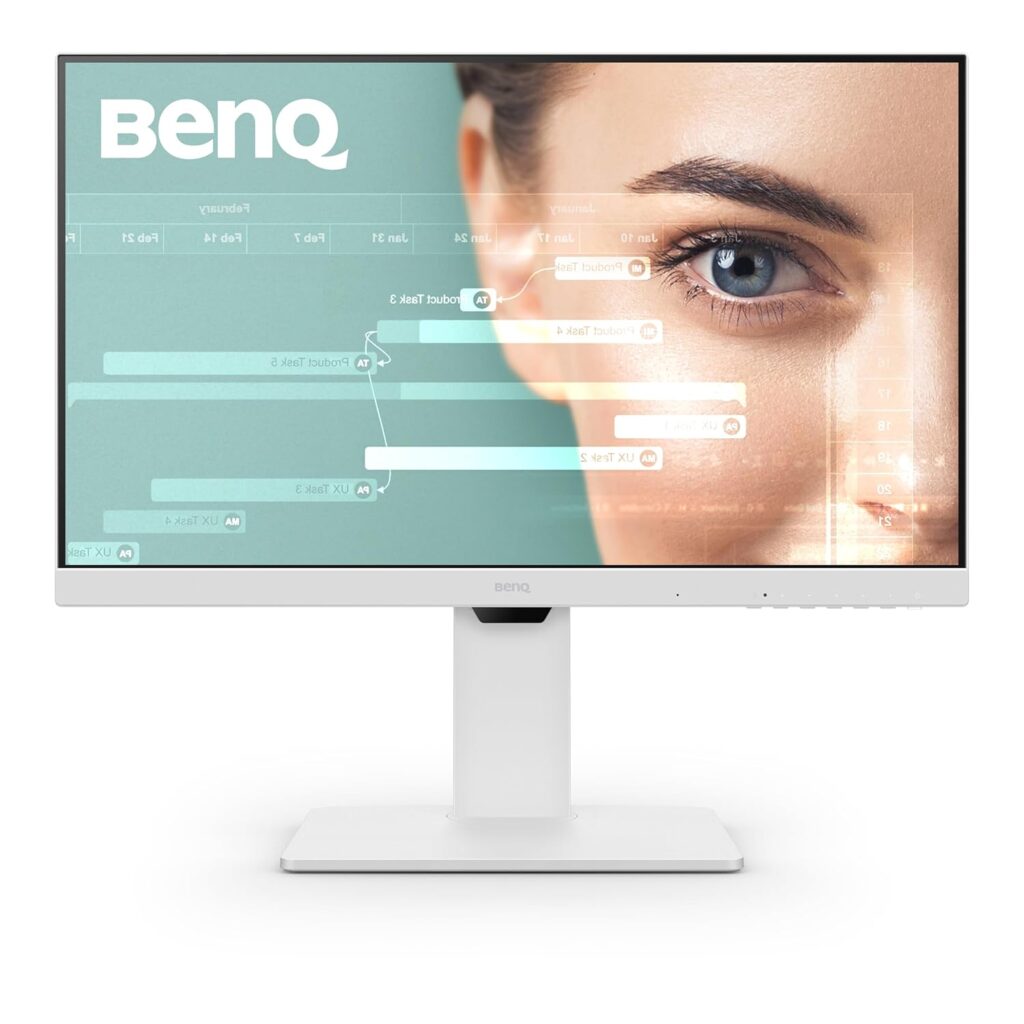
| BenQ GW2785TC | 27″ | 1080p | 75Hz | Office | Check Price on Amazon |
| ViewSonic VG1655 | 15.6″ | 1080p | 60Hz | Portable | Check Price on Amazon |
| AOC CU34G2X | 34″ | 1440p | 144Hz | Ultra-wide | Check Price on Amazon |
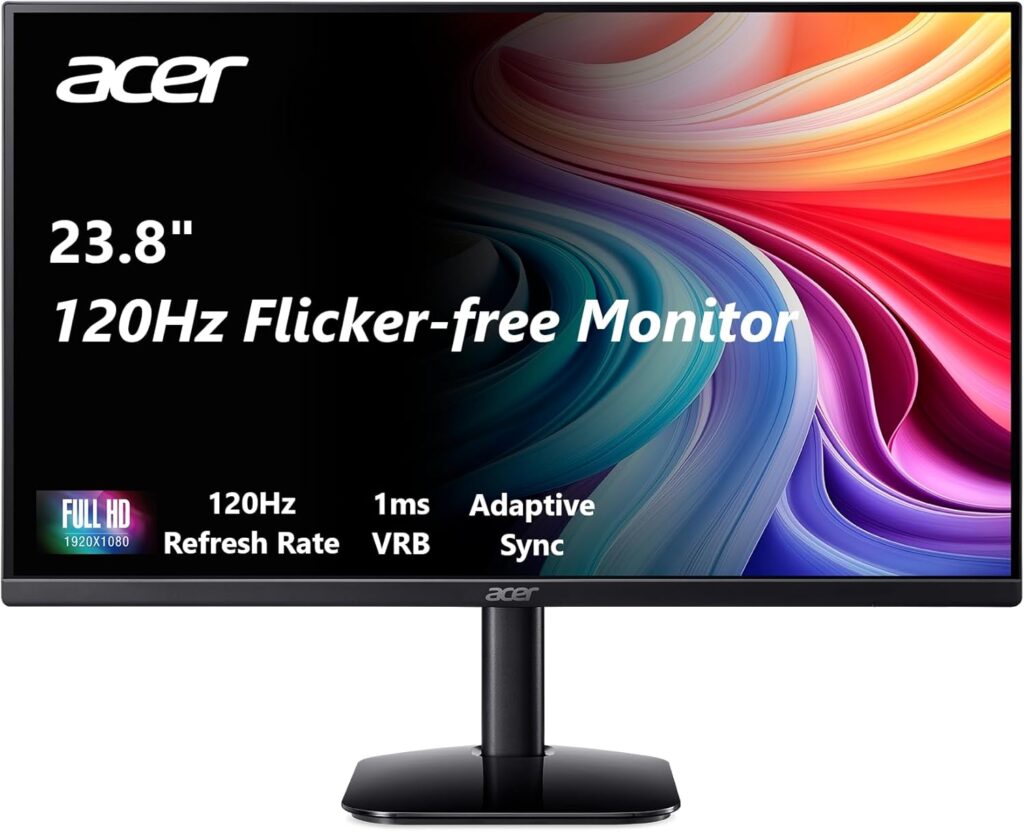
| acer KB242Y | 23.8″ | 1080p | 120Hz | Business | Check Price on Amazon |
| ASUS ZenScreen MB16AC | 15.6″ | 1080p | 60Hz | Travel | Check Price on Amazon |
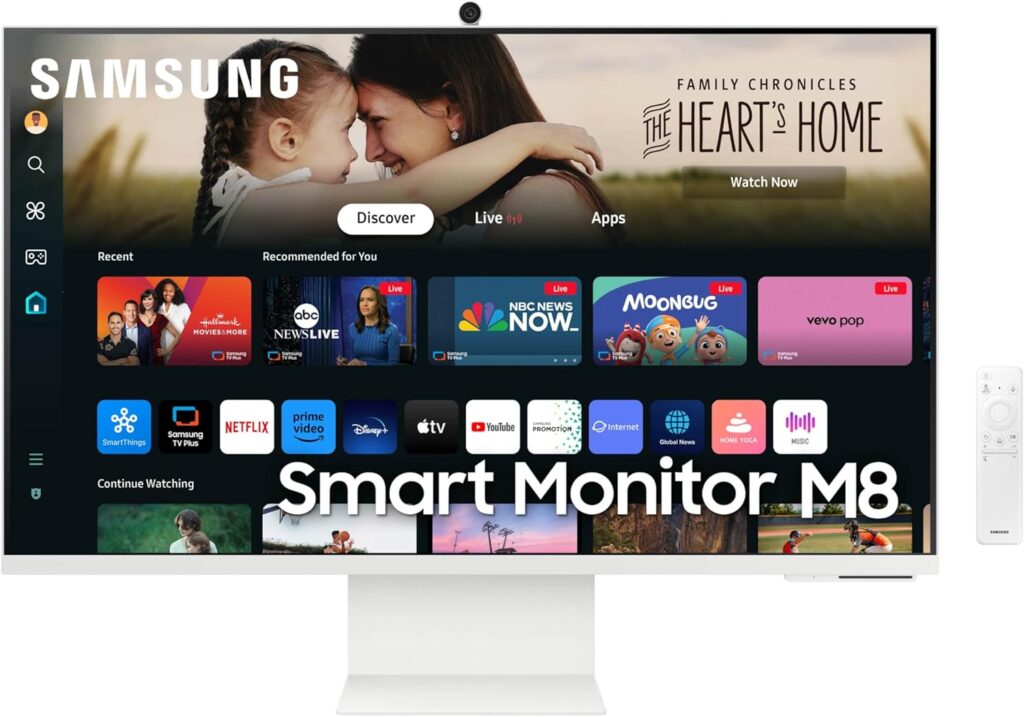
| Samsung M8 Smart Monitor | 32″ | 4K | 60Hz | Smart Setup | Check Price on Amazon |
Best External Monitors for Laptops for Productivity
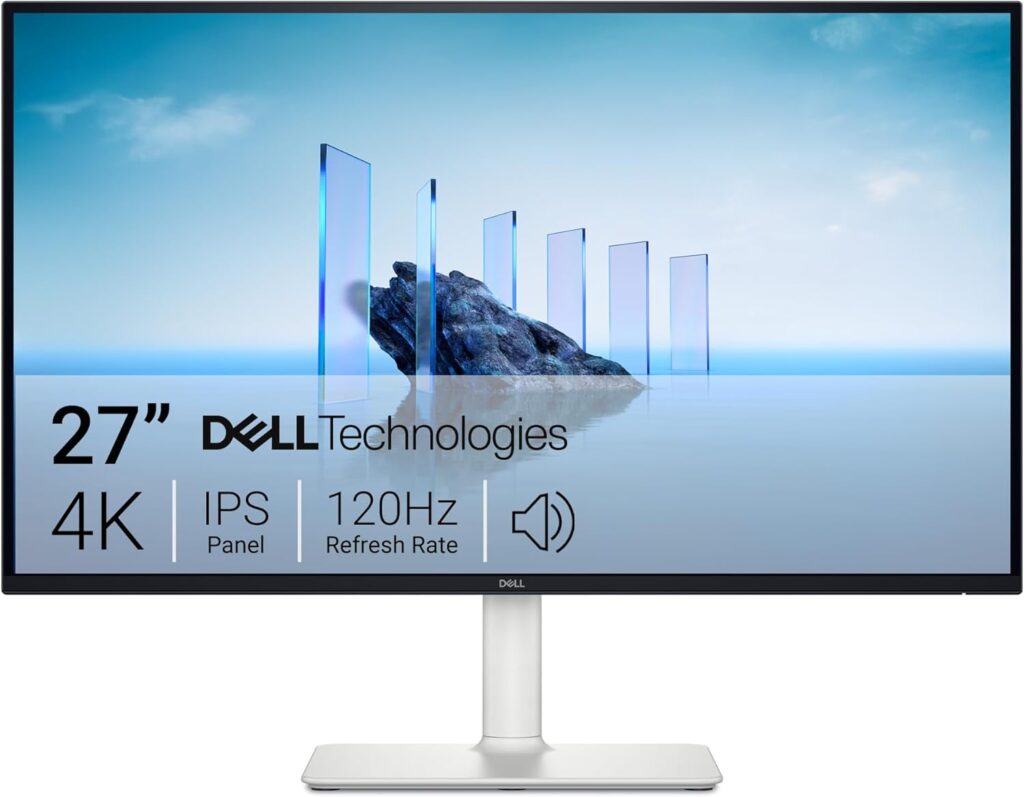
Dell S2721QS : Best 4K Monitor for Work
If you want sharp visuals and serious productivity power, the Dell S2721QS is an excellent choice.
With 4K UHD resolution and an IPS panel, text looks crisp and colors appear vibrant. Moreover, its slim bezels make it ideal for dual-monitor setups.
Best for:
- Office work
- Multitasking
- Spreadsheet users
- Content creators
ASUS ProArt PA278QV : Best for Creative Professionals
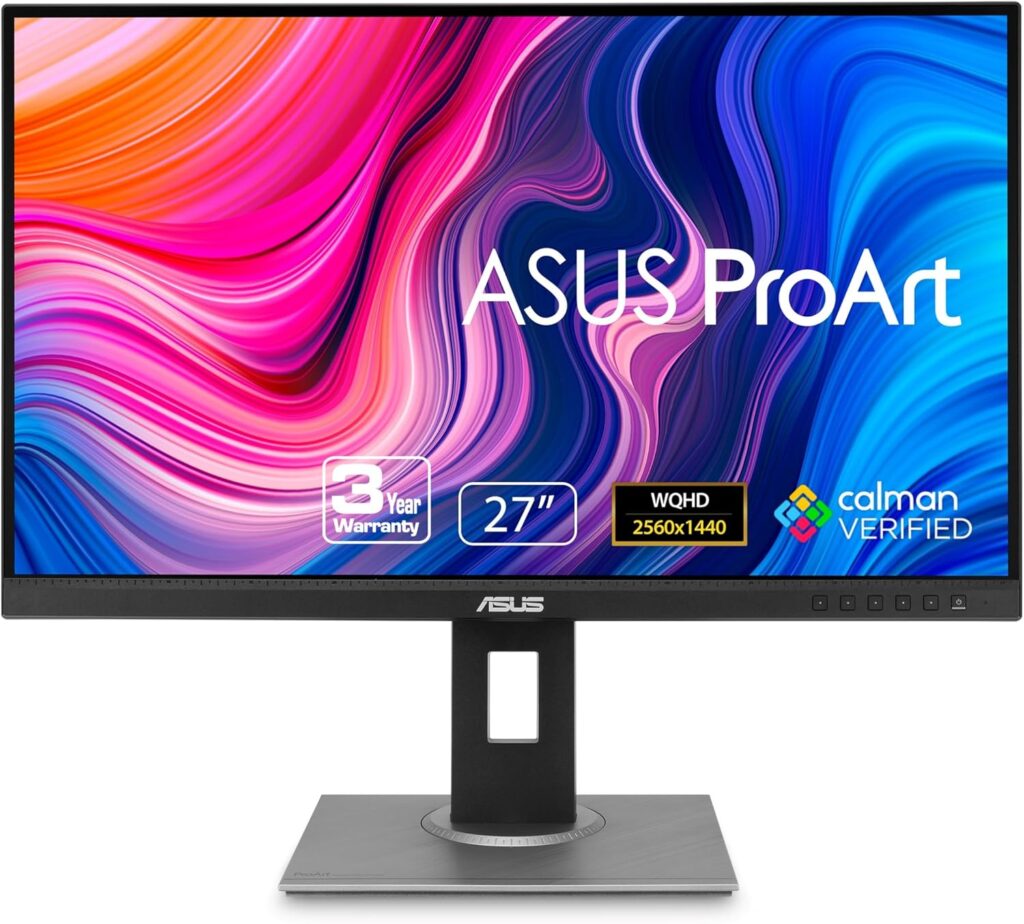
For designers and video editors, color accuracy is everything. This monitor is factory-calibrated, which means what you see on the screen matches real-world colors more accurately.
Additionally, it offers excellent ergonomic adjustments.
LG 27GP850-B: Best Overall Gaming Monitor
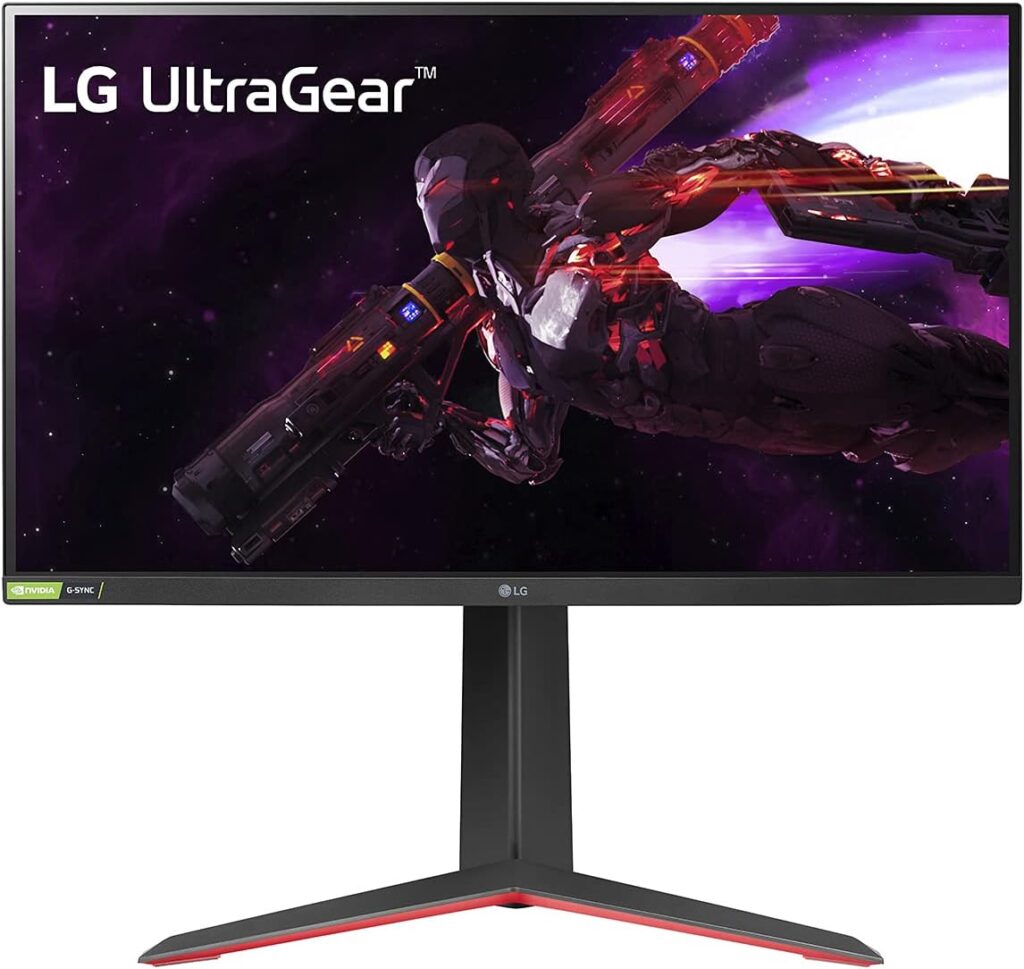
If your laptop has a dedicated GPU, this 165Hz gaming monitor unlocks smooth performance.
Furthermore, its 1ms response time ensures fast reaction speeds in competitive games.
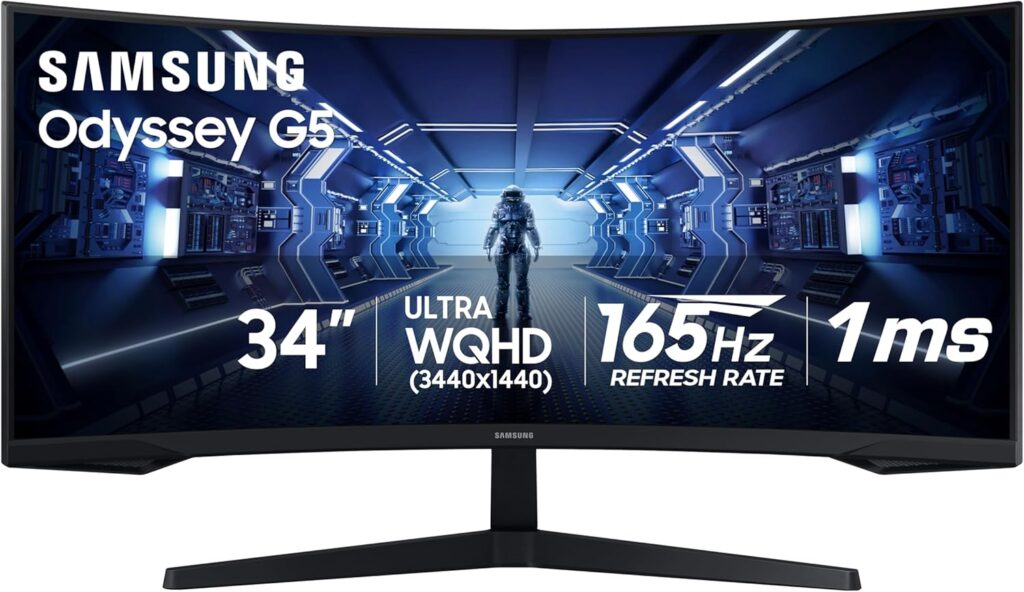
Samsung Odyssey G5 – Best Curved Gaming Monitor
The curved design increases immersion, especially for racing and FPS games.
In addition, the 144Hz refresh rate ensures smoother gameplay compared to standard 60Hz monitors.
Best Ultra:Wide External Monitor for Laptops
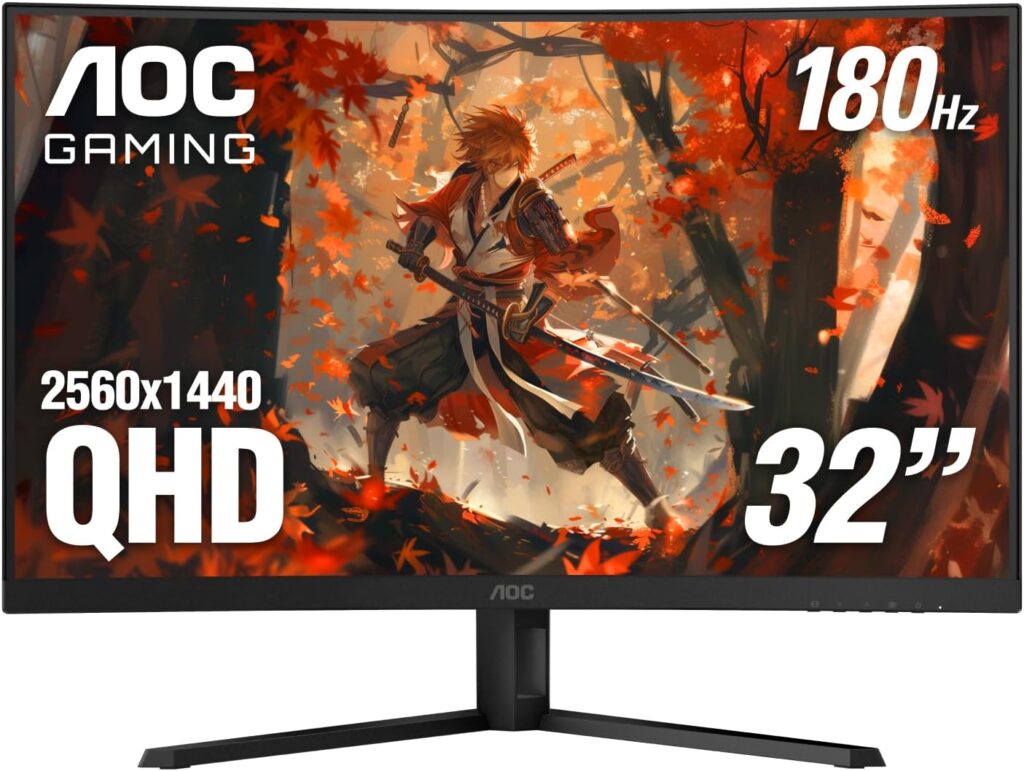
AOC CU34G2X Best Ultra, Wide Option
Instead of using two separate monitors, this 34-inch ultra-wide display gives you expanded workspace in one seamless screen.
It’s perfect for:
- Video editing timelines
- Stock trading
- Heavy multitasking
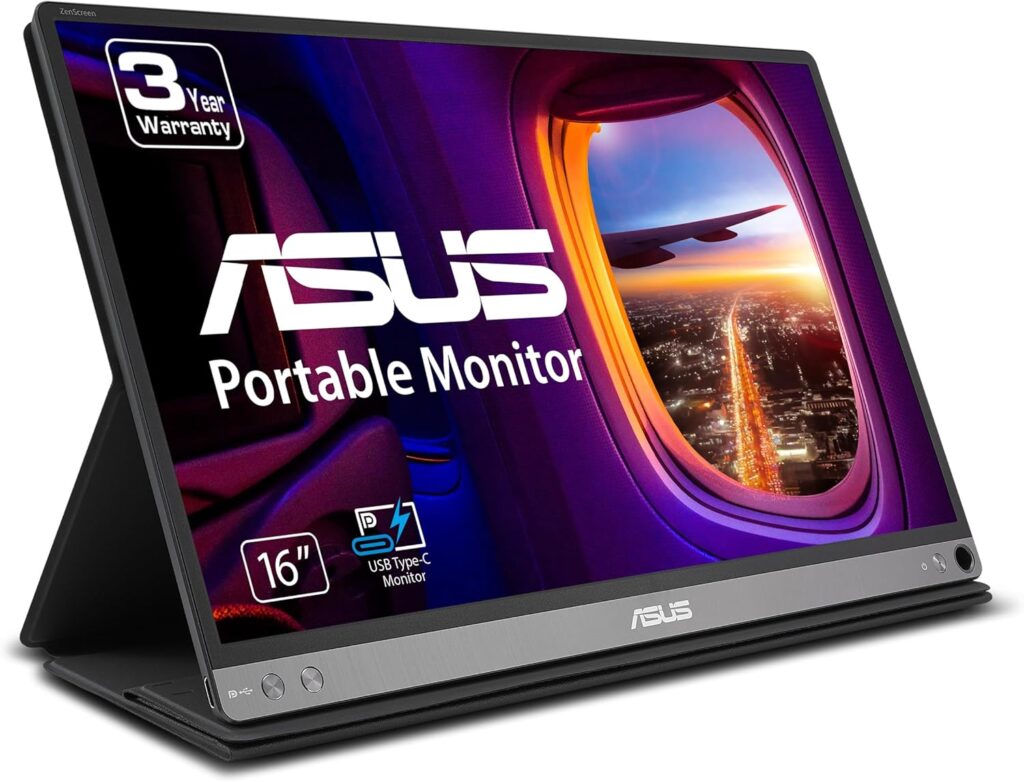
ASUS ZenScreen MB16AC:Best Travel Monitor
If you work remotely or travel often, portability matters. This lightweight USB-C monitor fits easily in a backpack and connects with a single cable.
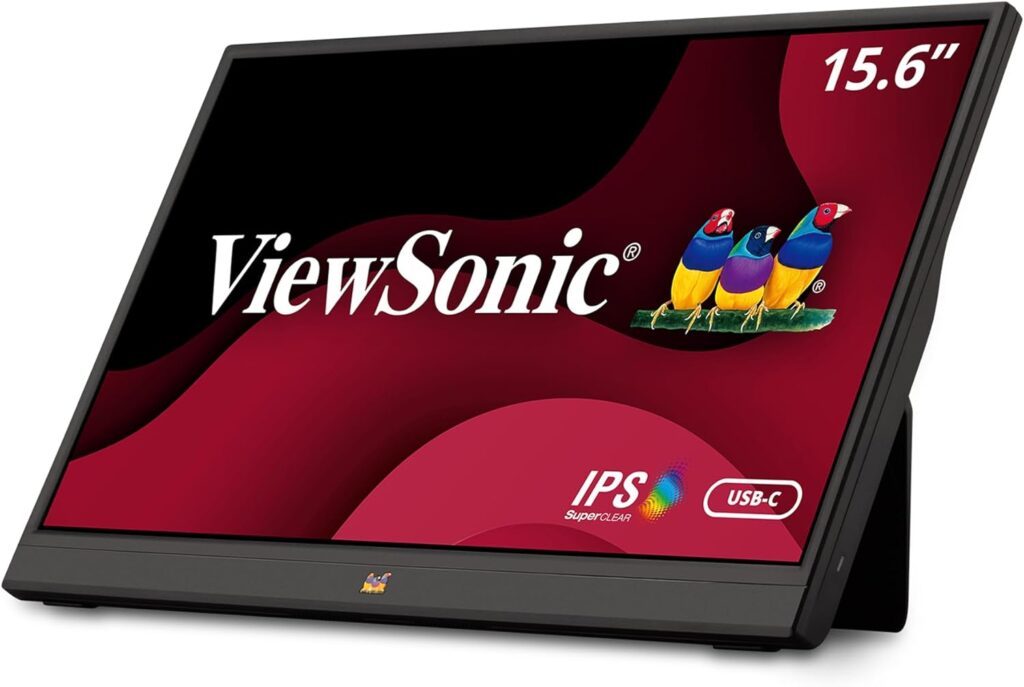
ViewSonic VG1655: Best for Business Travel
Slim, professional, and reliable, this monitor is ideal for meetings and mobile productivity.
BenQ GW2786TC: Best for Eye Comfort
This monitor includes eye-care technology and USB-C connectivity, making it perfect for long working hours.
Acer KB242Y 23.8 Inch IPS Zero-Frame Full HD Monitor
Description:
The Acer KB242Y is a sleek 23.8-inch IPS monitor that delivers stunning Full HD (1920 x 1080) visuals with vibrant colors and wide viewing angles. Its zero-frame design makes it perfect for multi-monitor setups, while the tilt adjustment lets you find the ideal viewing angle. With up to 120Hz refresh rate and 1ms VRB response time, this monitor is smooth enough for casual gaming and fast-paced content. Featuring sRGB 99% color coverage, HDMI & VGA ports, and Adaptive-Sync (FreeSync compatible), it’s a versatile choice for productivity, entertainment, and light gaming.
Samsung M8 Smart Monitor: Best Smart Setup
This is more than a monitor. It includes smart features and 4K resolution, making it suitable for both work and entertainment.
How to Choose the Best External Monitors for Laptops
Before purchasing, consider:
Resolution
- 1080p → Budget users
- 1440p → Balanced performance
- 4K → Maximum clarity
Refresh Rate
- 60Hz → Office use
- 144Hz+ → Gaming
Connectivity
Ensure your laptop supports:
USB-C
HDMI
DisplayPort
Frequently Asked Questions (FAQs); Best External Monitors for Laptops
1. Are external monitors worth it for laptops?
Absolutely. In fact, one of the biggest advantages of using the best external monitors for laptops is increased productivity. With more screen space, you can multitask more efficiently, reduce constant window switching, and work more comfortably. Moreover, studies show that dual-monitor setups can significantly improve workflow and reduce time spent on tasks.
So, if you work long hours on your laptop, an external monitor is not just a luxury it’s a smart investment.
2. Can I connect any monitor to my laptop?
Generally speaking, yes but it depends on your laptop’s available ports. Most modern laptops support:
- HDMI
- USB-C (with display output)
- DisplayPort
However, before buying, you should always check your laptop specifications. For example, some USB-C ports only support charging and data transfer, not video output. Therefore, confirming compatibility first can save you from unnecessary frustration.
3. Is 4K necessary for an external monitor?
Not necessarily. While 4K monitors provide exceptional clarity and sharper text, they are not required for everyone. For instance:
- If you do video editing or graphic design, 4K is highly beneficial.
- On the other hand, for office tasks or browsing, 1080p or 1440p is more than enough.
Ultimately, the best external monitor for your laptop depends on how you plan to use it.
4. What size monitor is best for a laptop?
In most cases, 27 inches is considered the sweet spot. It offers a balanced viewing experience without overwhelming your desk space.
That said:
- 24-inch monitors are great for smaller desks.
- 32-inch and ultra-wide monitors are ideal for heavy multitasking or immersive gaming.
Therefore, your desk space and usage needs should guide your decision.
5. Do I need a high refresh rate monitor for my laptop?
It depends on your purpose. For everyday office work, a 60Hz monitor is perfectly fine. However, if you are a gamer or work with motion-heavy content, then a 144Hz or 165Hz monitor will provide noticeably smoother performance.
In other words, higher refresh rates matter most for gaming and fast-moving visuals.
6. Will an external monitor improve gaming performance?
Technically, an external monitor won’t increase your laptop’s raw performance. However, it can improve your gaming experience significantly. For example, a monitor with a higher refresh rate and lower response time will feel smoother and more responsive provided your laptop’s GPU can handle it.
So, while it doesn’t add power, it enhances the experience.
7. Are portable external monitors worth buying?
Yes, especially if you travel frequently or work remotely. Portable monitors are lightweight, easy to set up, and typically connect with a single USB-C cable. As a result, they are perfect for digital nomads, business travelers, and students.
Nevertheless, they usually offer smaller screen sizes compared to desktop monitors.
Further Thoughts on Choosing the Best External Monitors for Laptops
At this point, you might be wondering which option is truly the best. The honest answer is this: the best external monitors for laptops are the ones that match your specific needs.
For instance, if you’re a gamer, refresh rate and response time should be your priority. Meanwhile, if you’re a content creator, color accuracy and resolution matter more. On the other hand, if you simply want more space for multitasking, even a good 1080p 27-inch monitor can completely transform your workflow.
Furthermore, it’s important to think long-term. A quality monitor can last five to seven years or even longer. Therefore, instead of choosing the cheapest option available, consider investing in something that will serve you reliably over time.
In addition, remember to check connectivity options. USB-C monitors are becoming increasingly popular because they reduce cable clutter and simplify setups. Consequently, they are often worth considering if your laptop supports them.
Ultimately, your monitor should make your daily tasks easier not more complicated.
Conclusion
To sum up, choosing the best external monitors for laptops comes down to understanding your needs and priorities.
If you’re focused on productivity, a 4K or 1440p monitor with an IPS panel is an excellent choice. Conversely, if gaming is your main concern, then a high refresh rate monitor (144Hz or higher) will provide smoother gameplay. Meanwhile, for those who travel often, portable USB-C monitors offer flexibility and convenience.
Rather than settling for a small laptop display, upgrading to a high-quality external monitor can dramatically improve your comfort, efficiency, and overall experience. In fact, once you switch to a proper external display, it’s very hard to go back.
So, take your time, compare your options carefully, and choose the monitor that fits both your workflow and your budget. In the end, the right external monitor is not just anaccessory it’s a productivity upgrade.